
Display Accessories
Counters, modular racks, shelf add-ons, lights, and monitor mounts for completing your display setup.
Build a more functional booth with accessories for product display, customer interaction, lighting, and media presentation.
Counters, product displays, shelves, lights, and monitor mounts for completing your display setup.
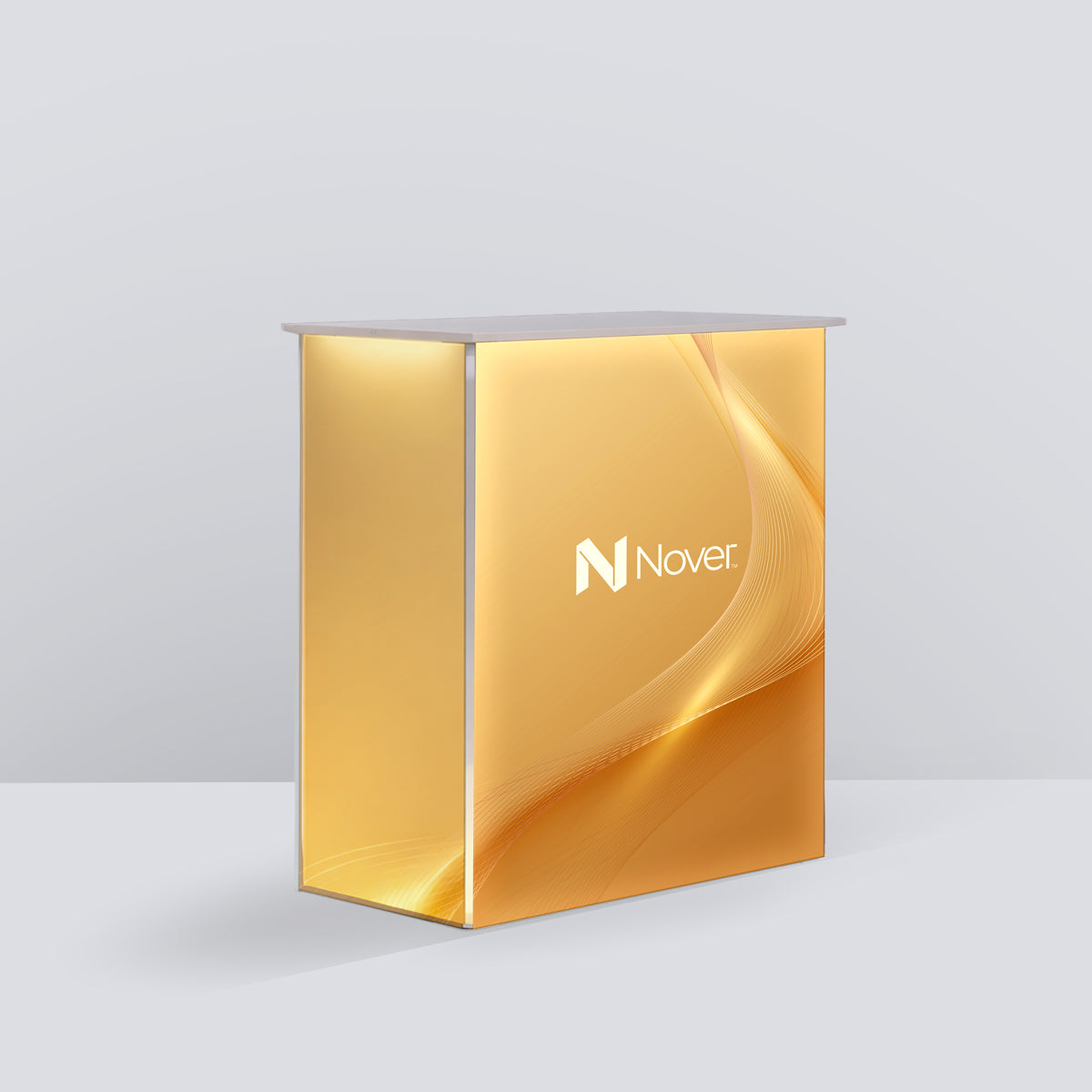

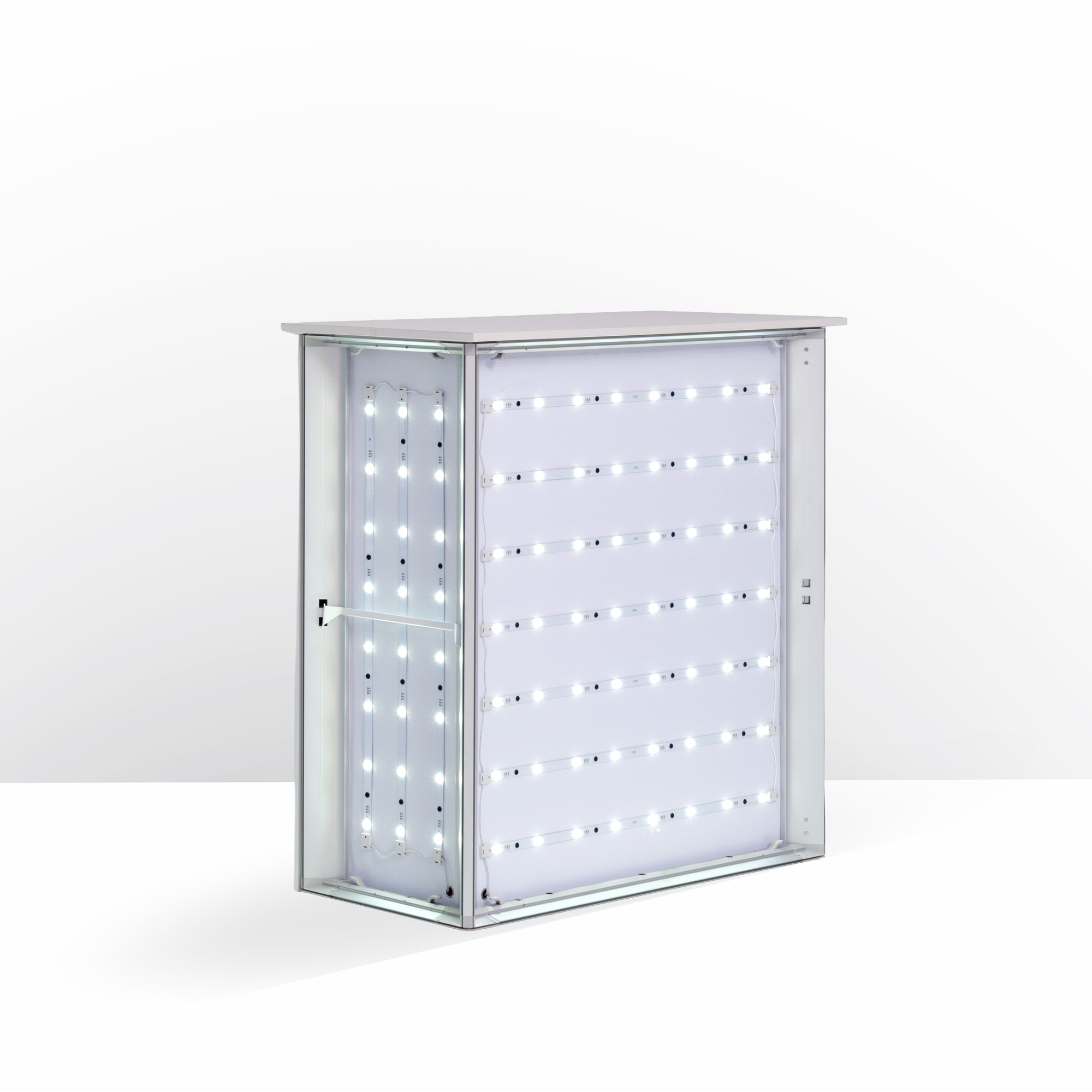
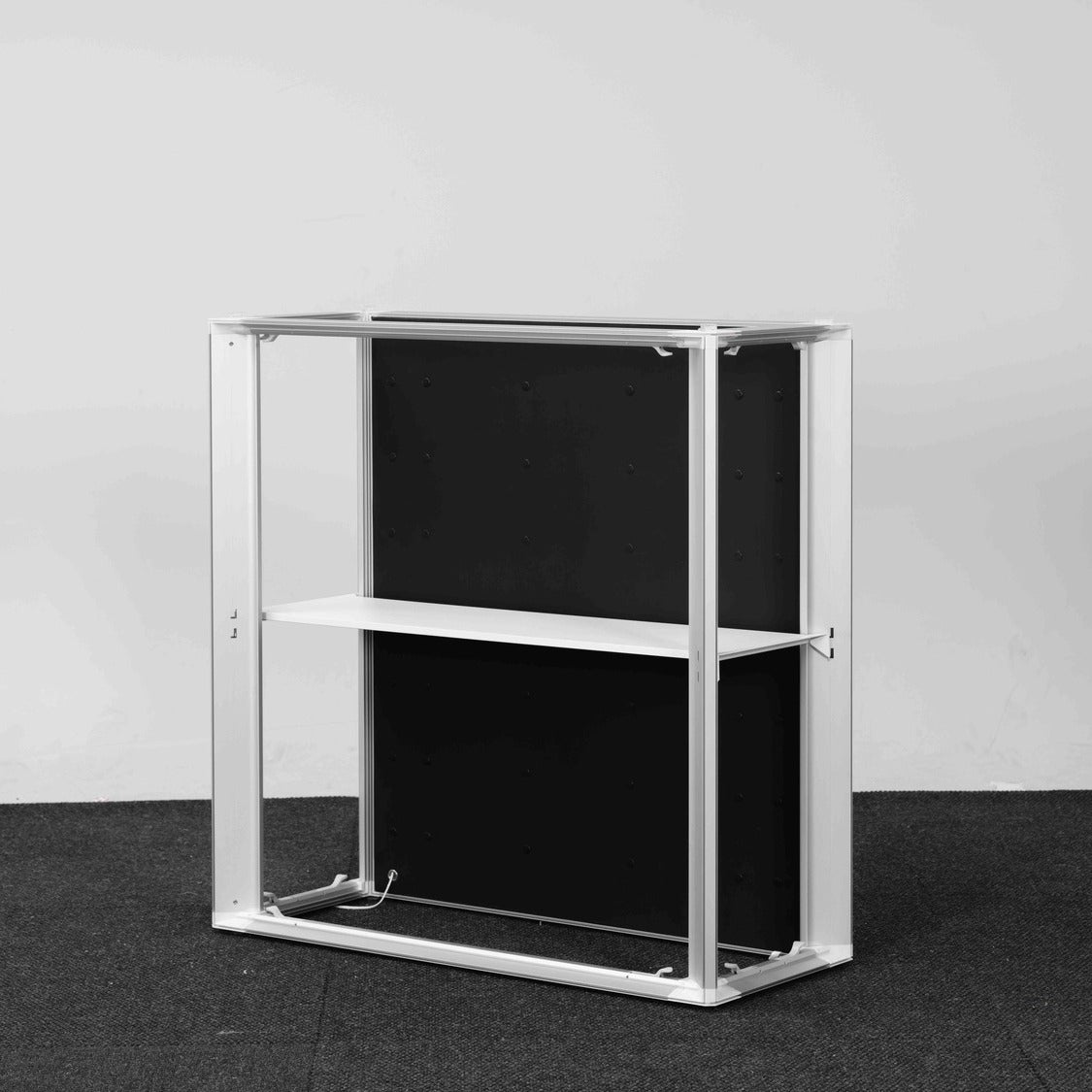
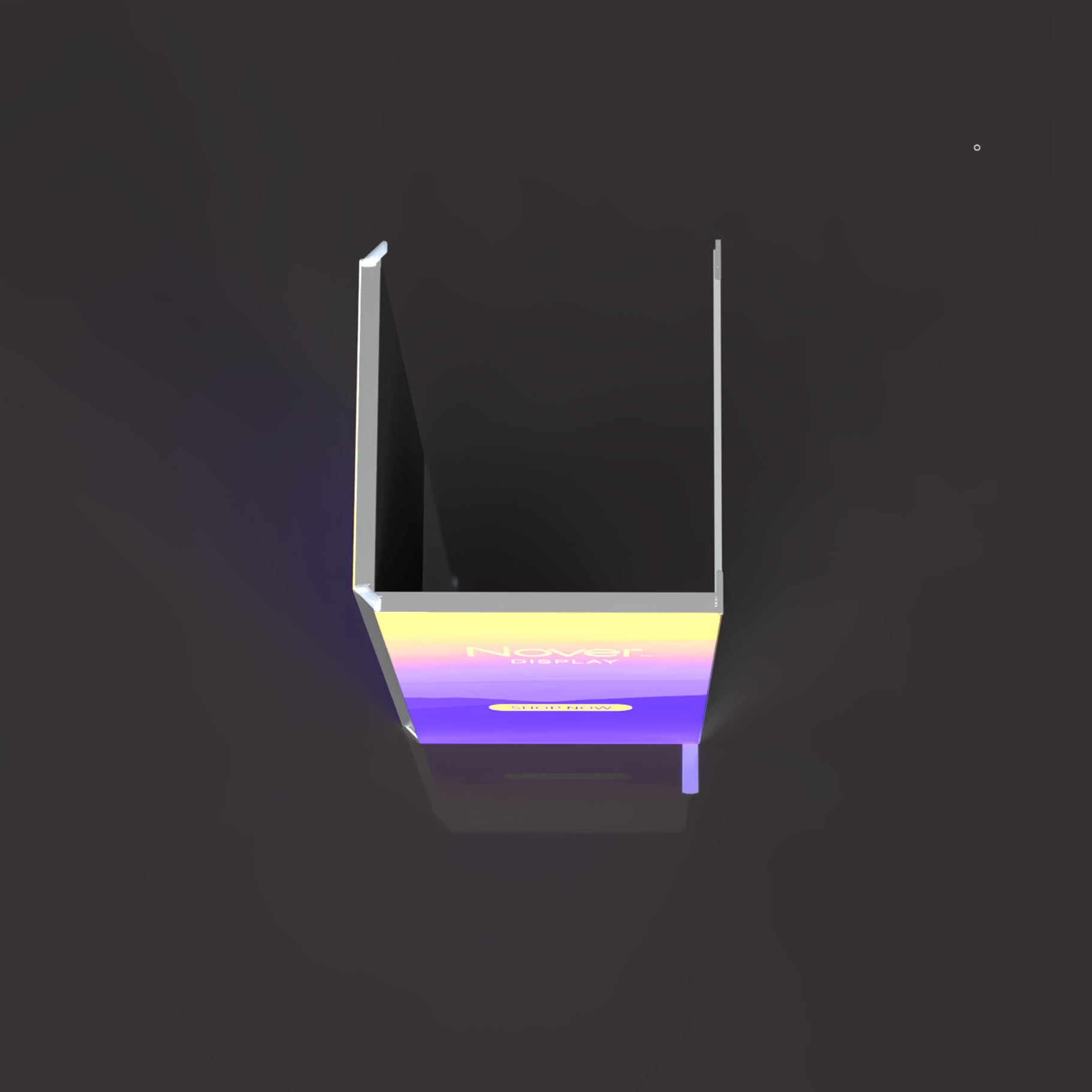
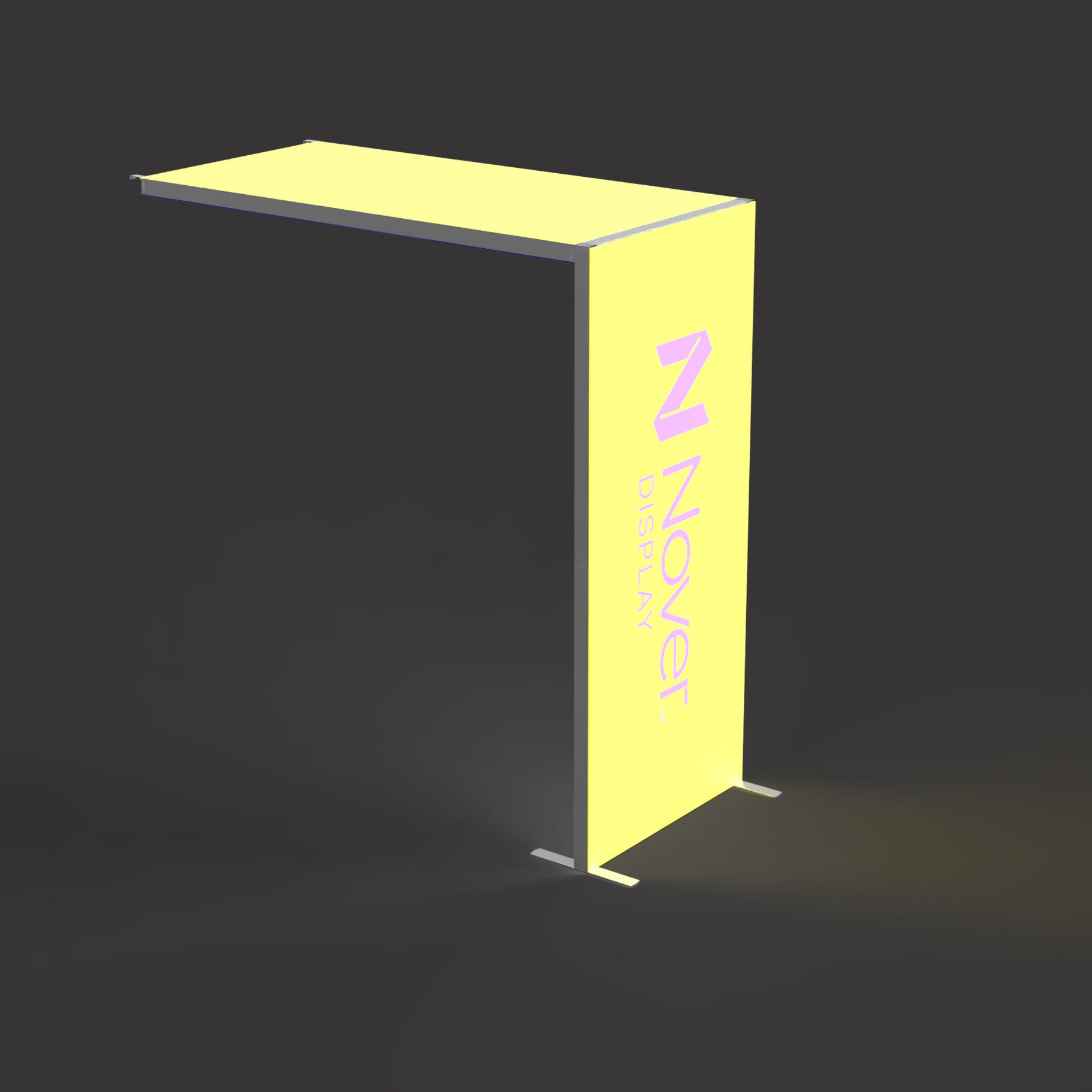
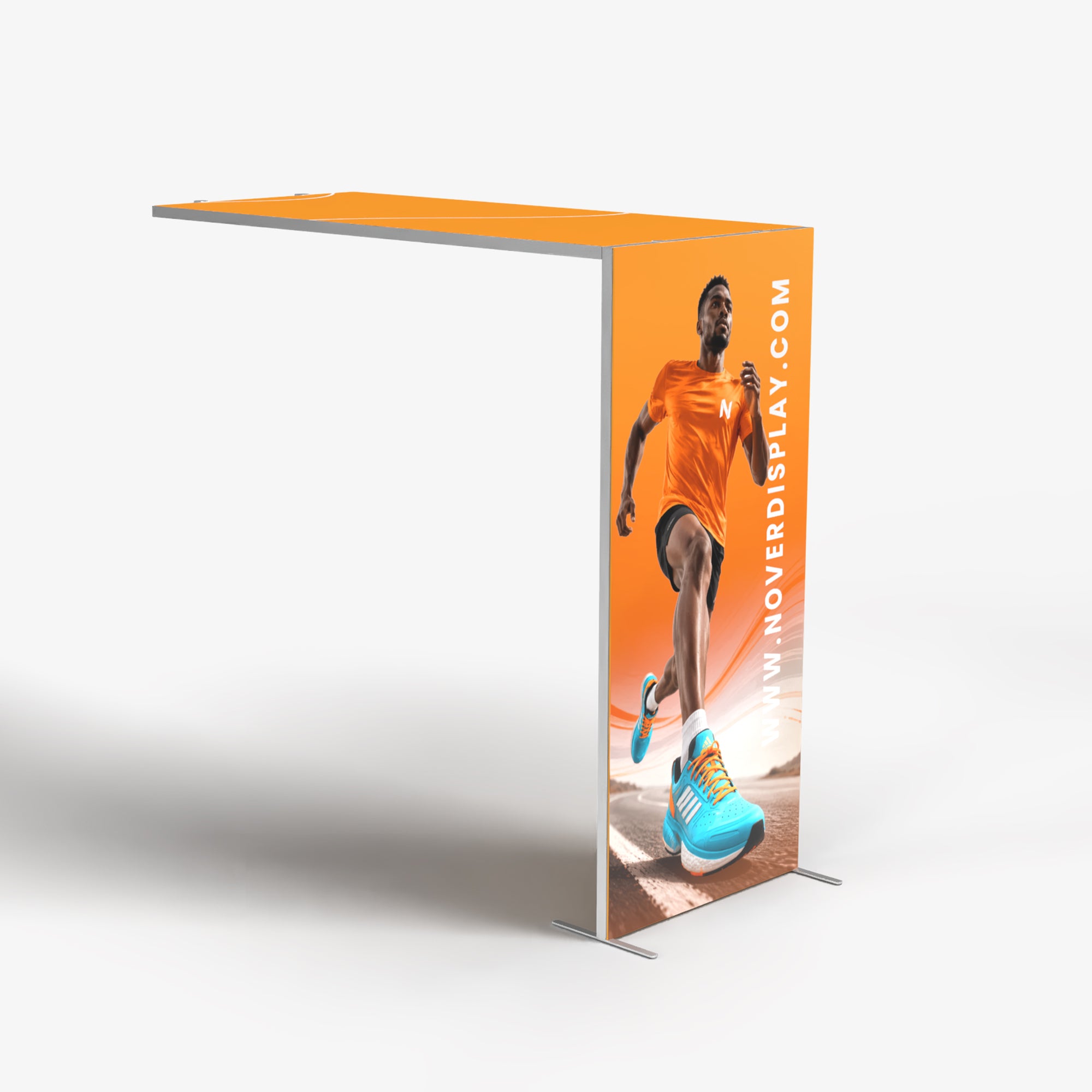
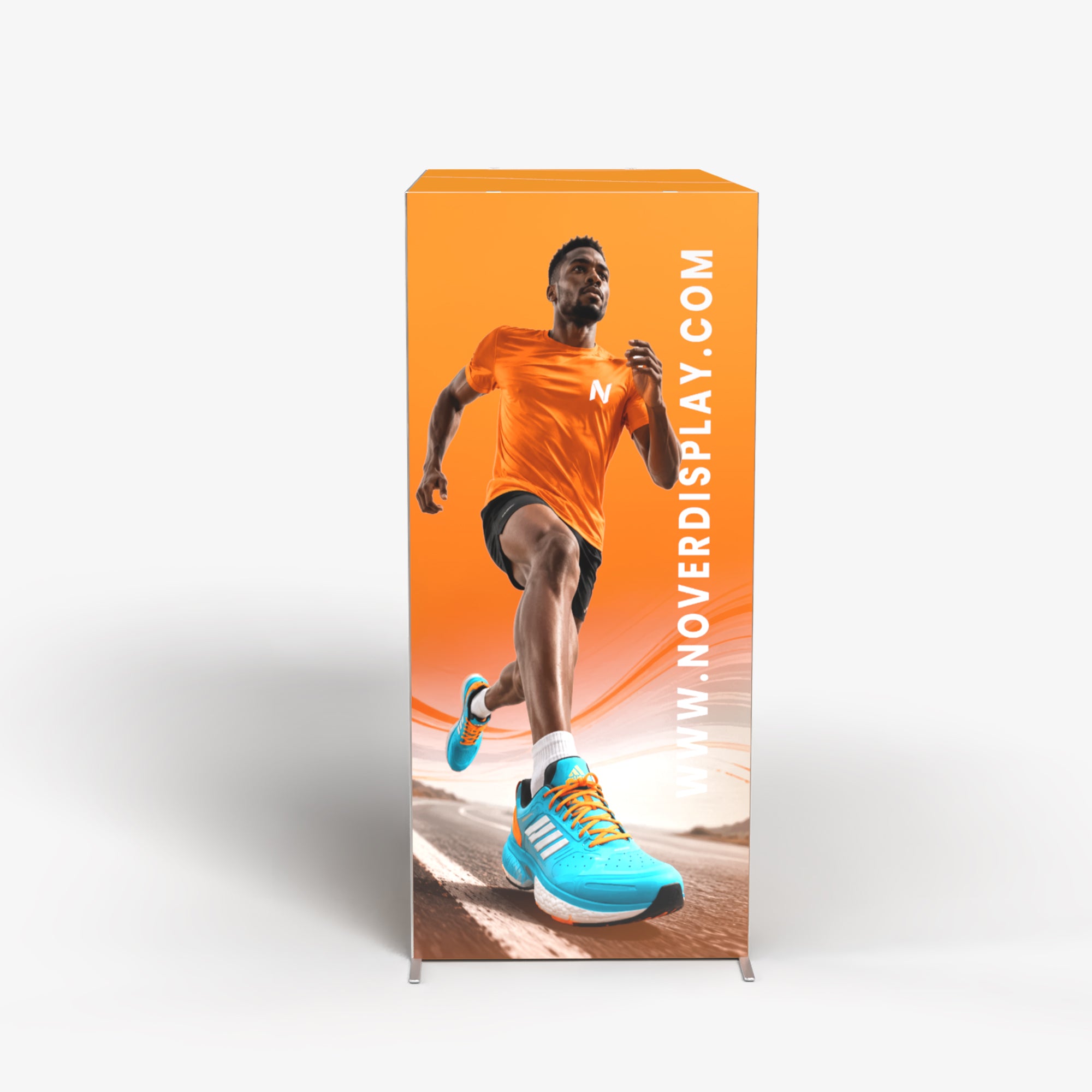
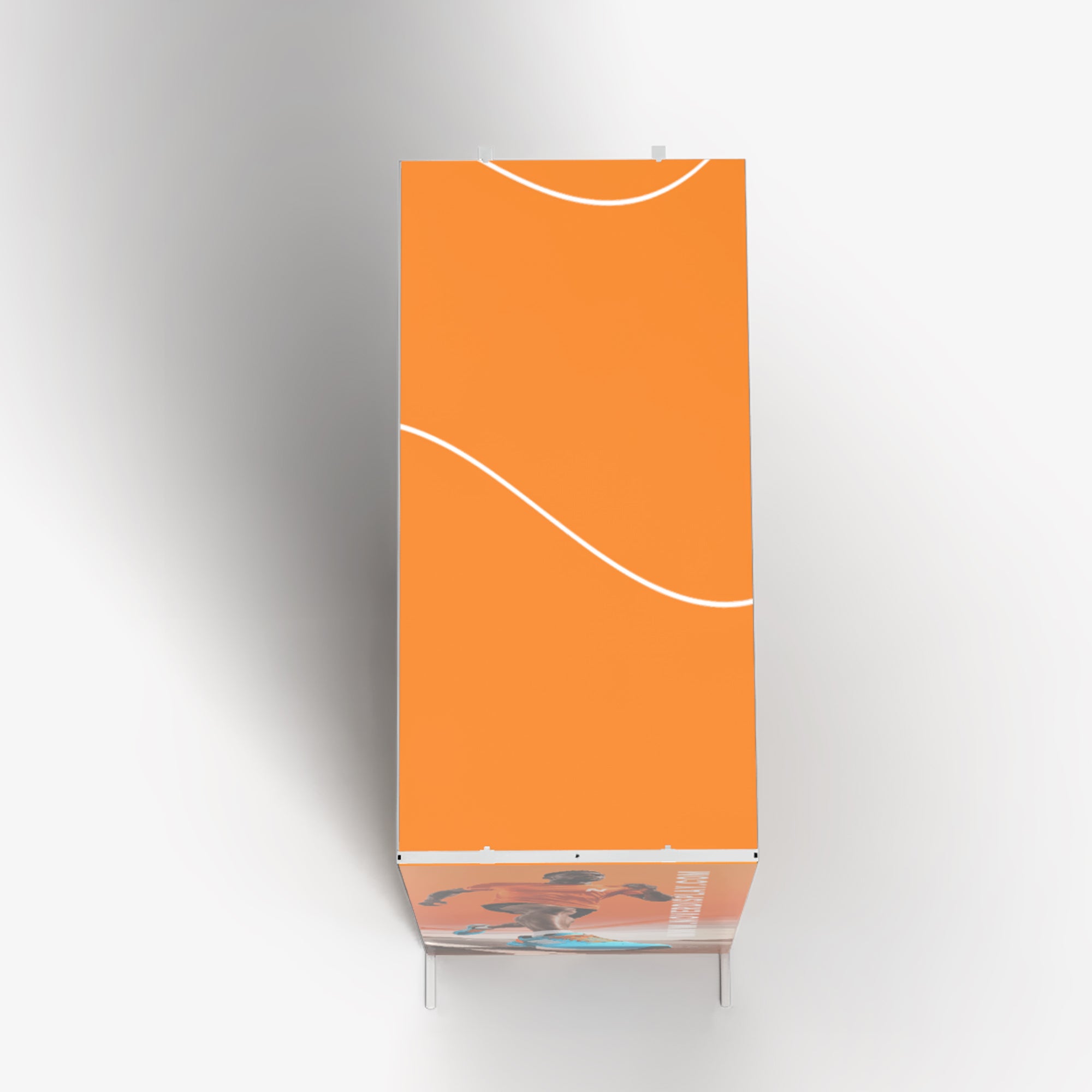
Portable Backlit Trade Show Counter Qbic 60
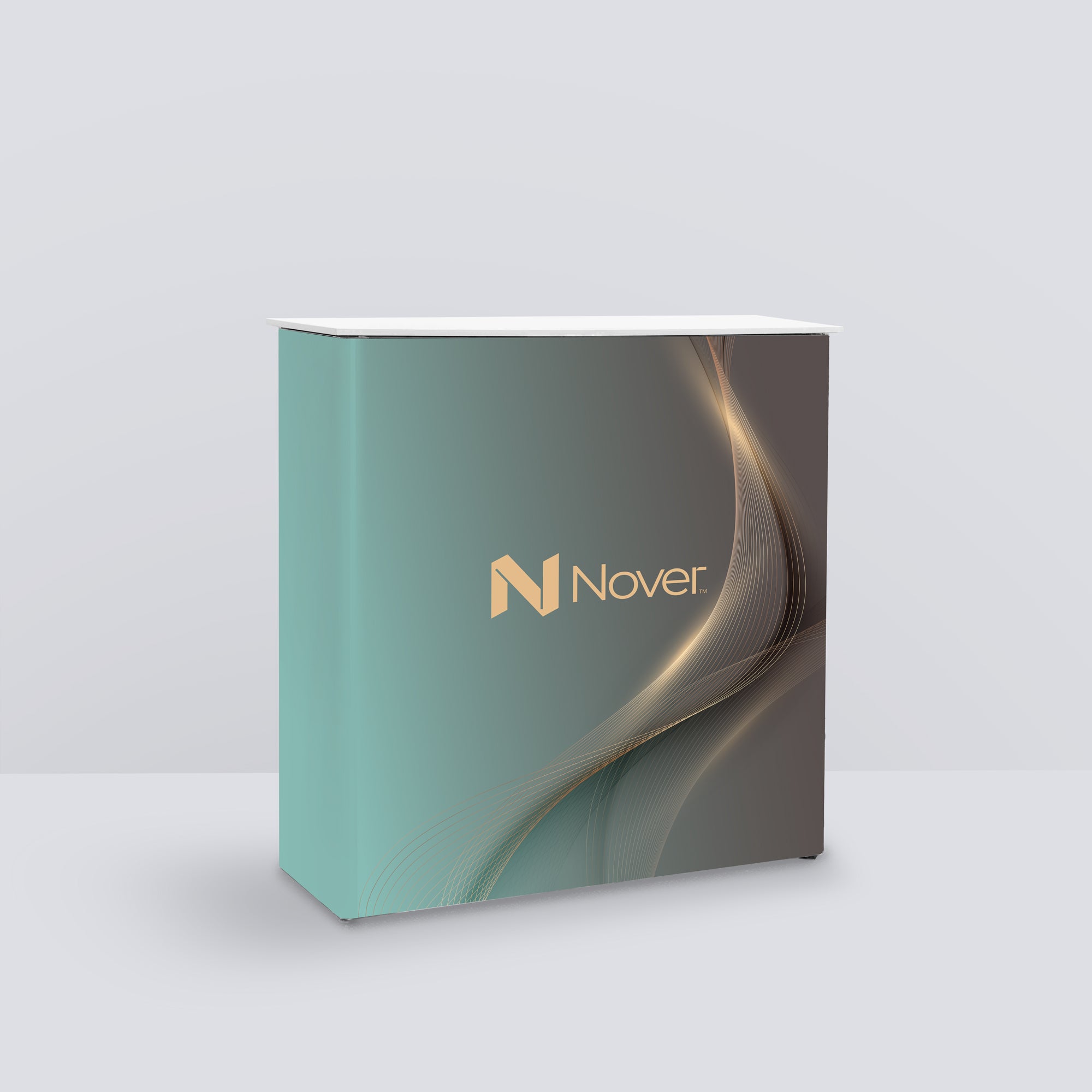



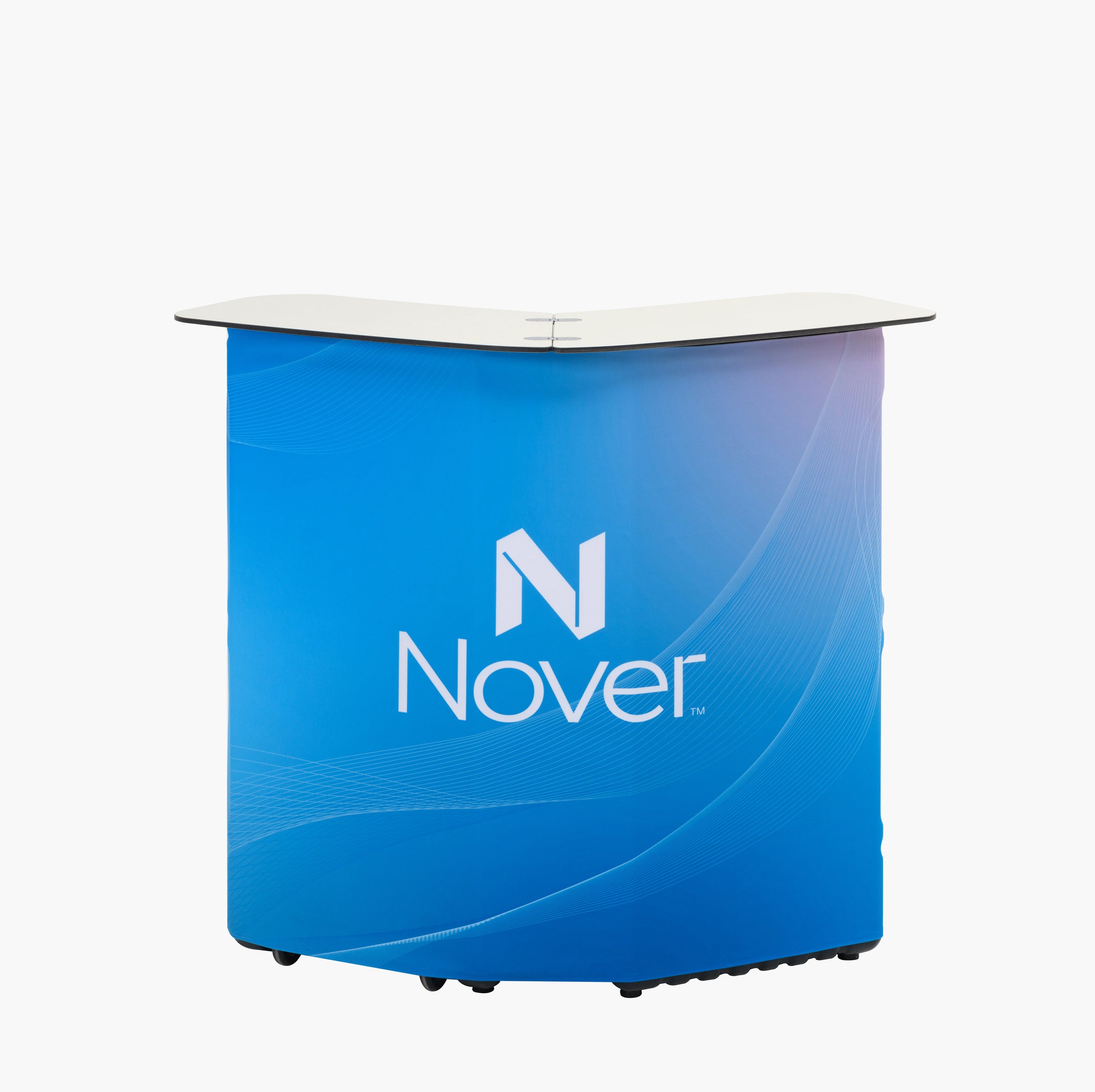
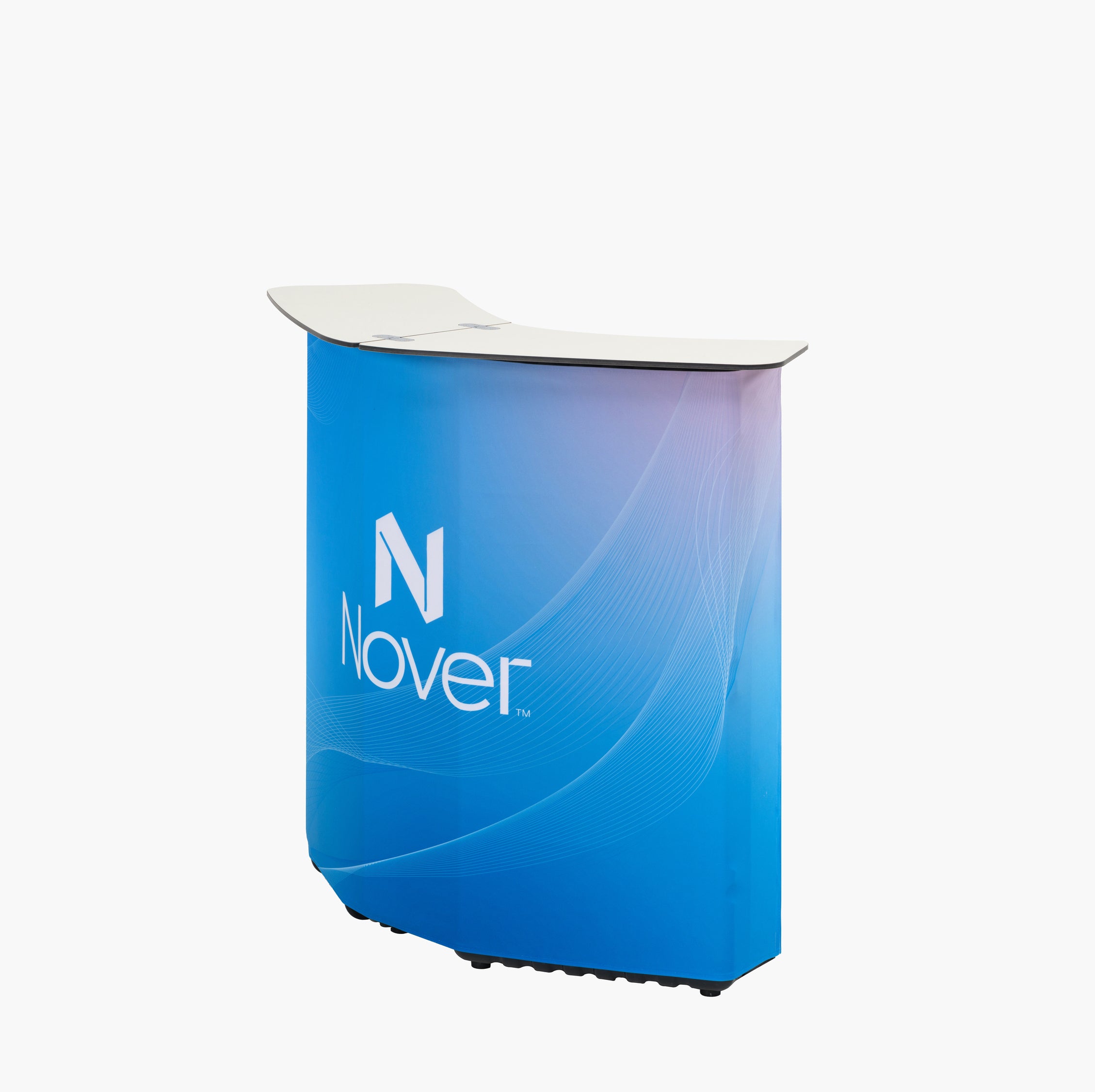
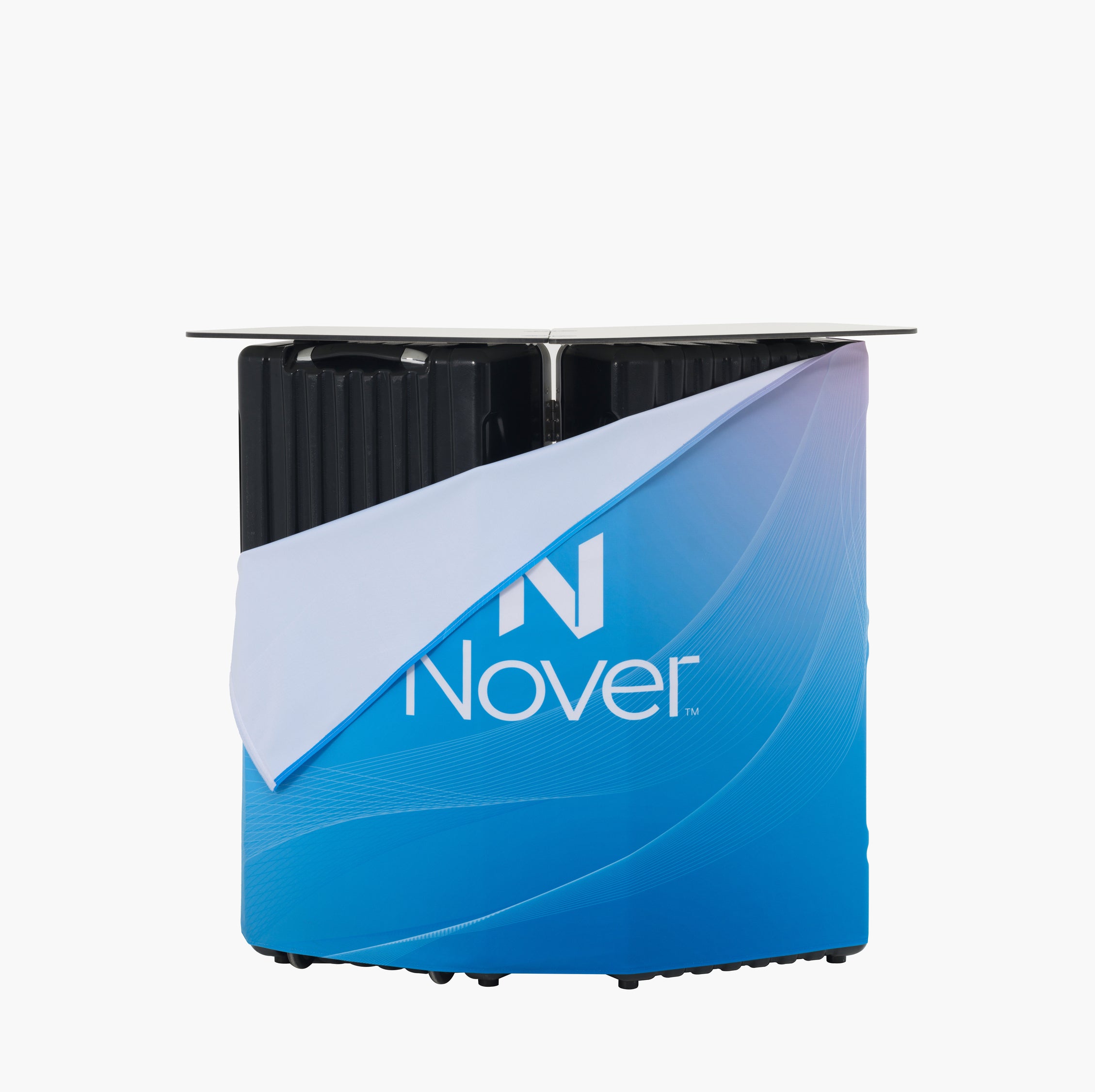

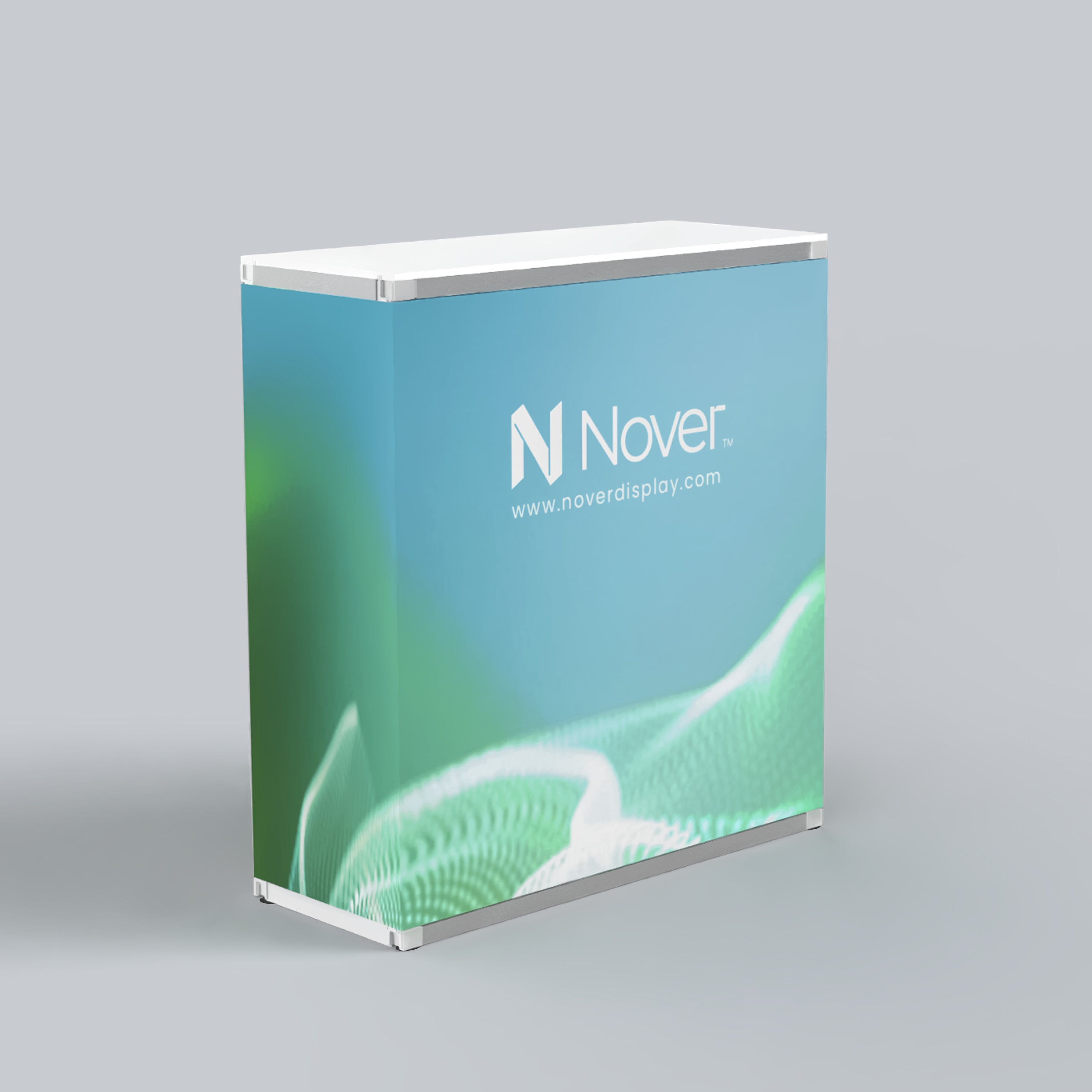
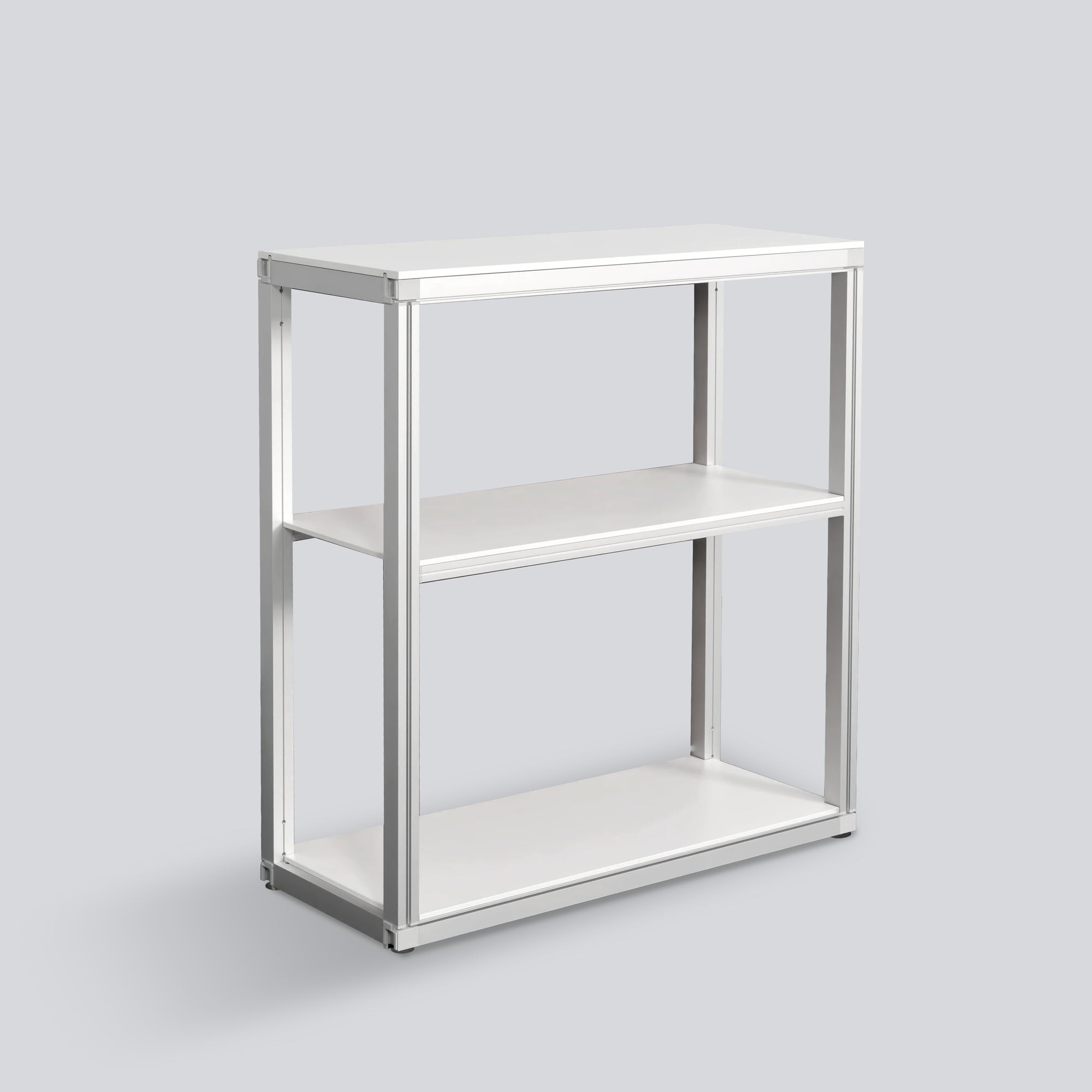
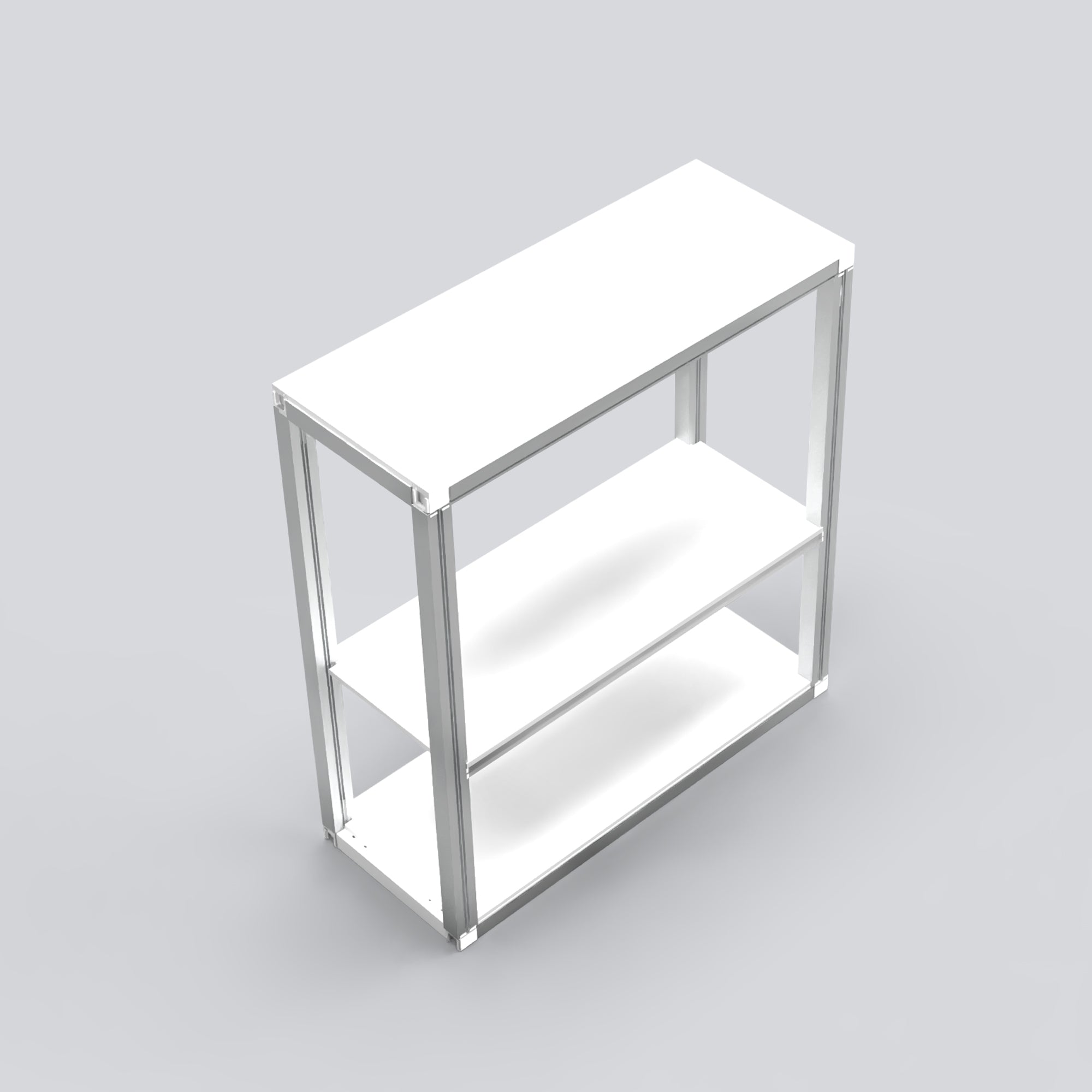
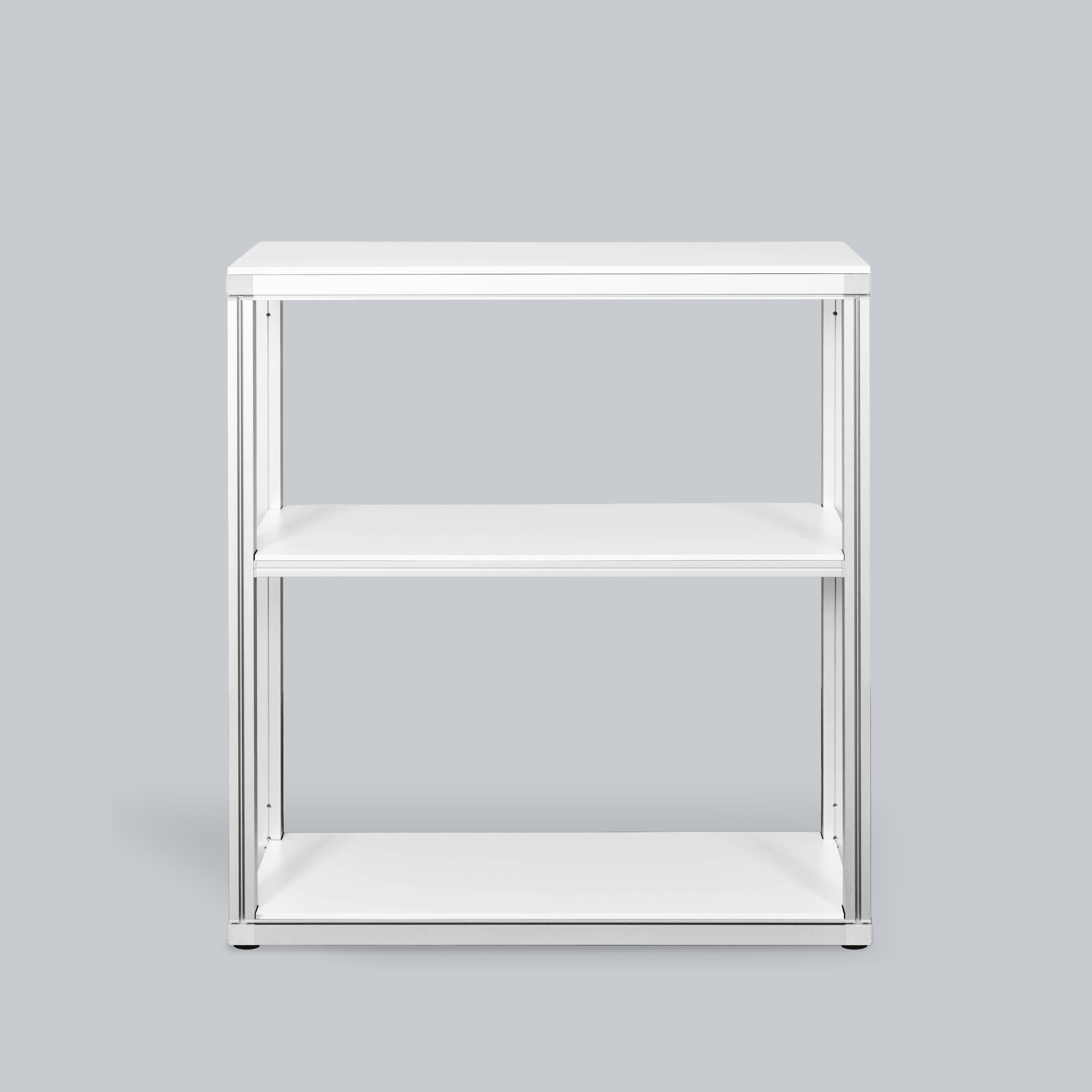
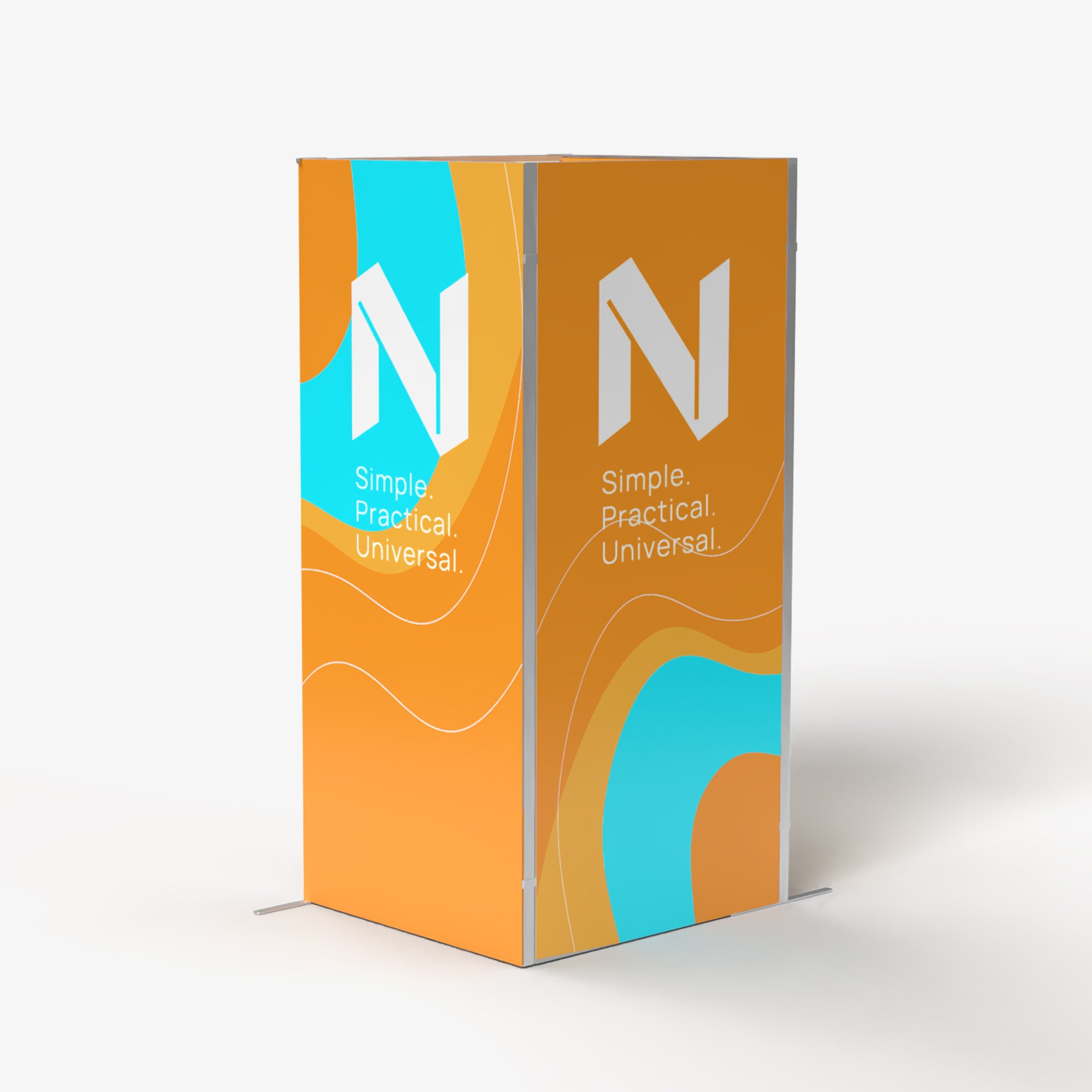
Modular Rack Counter with Panels
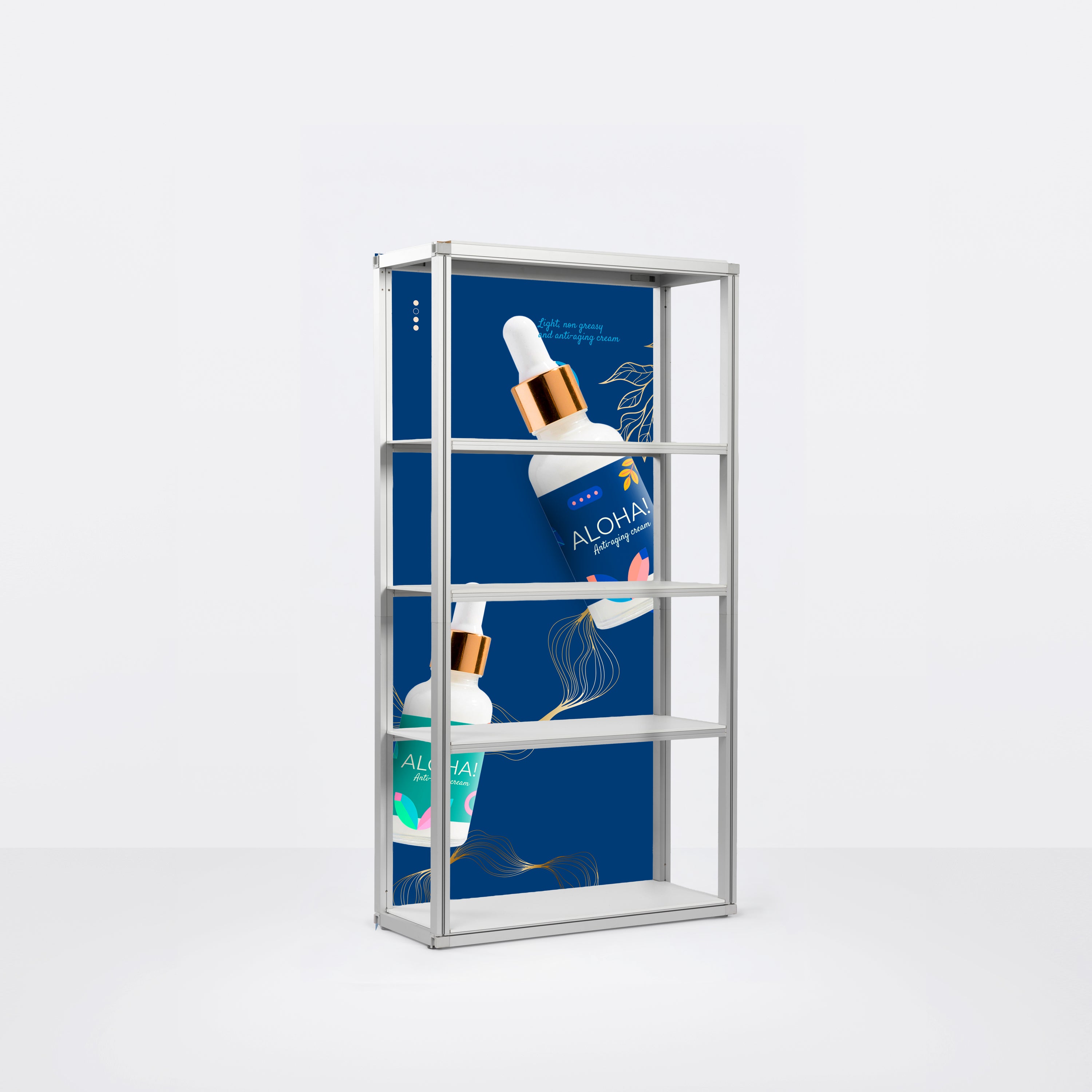
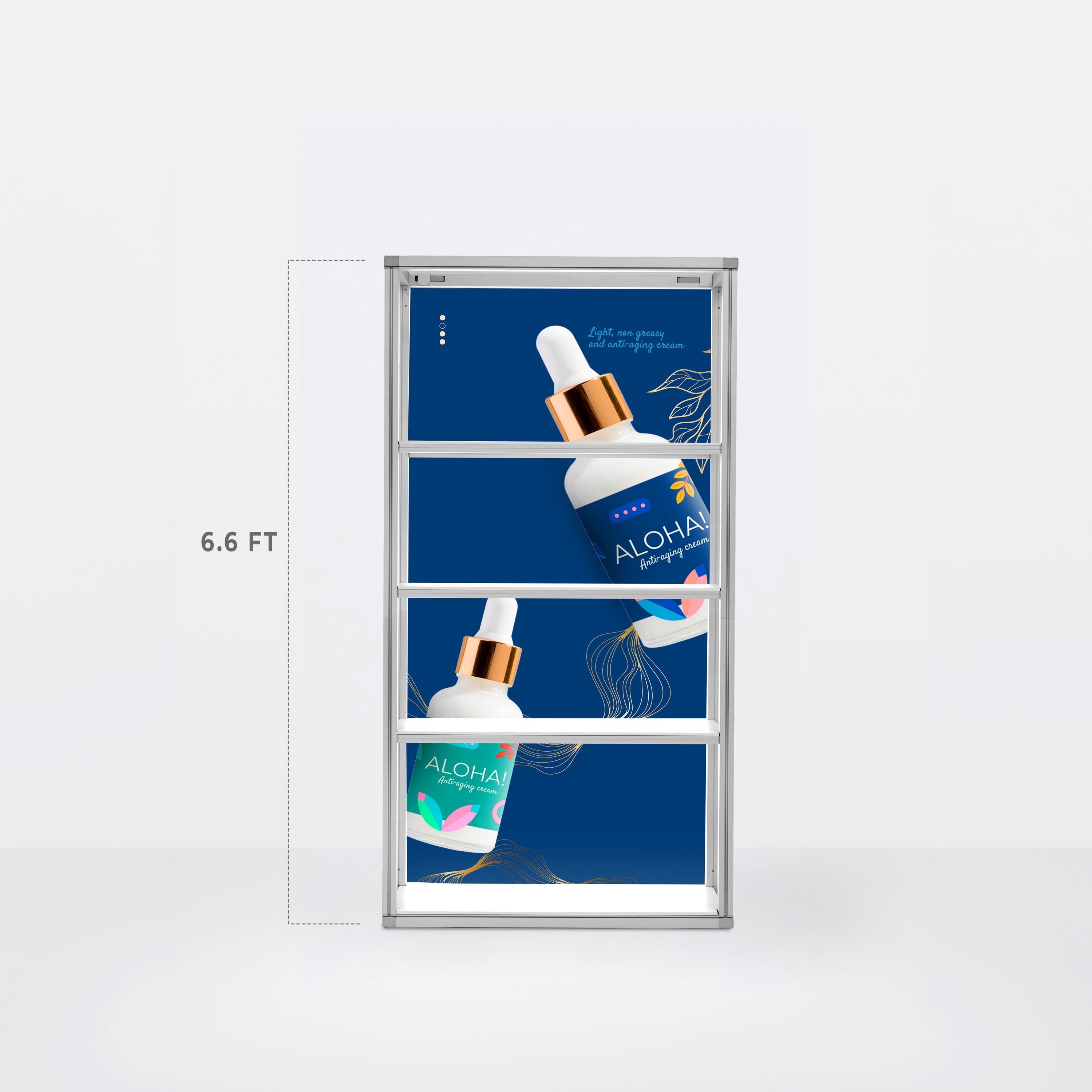
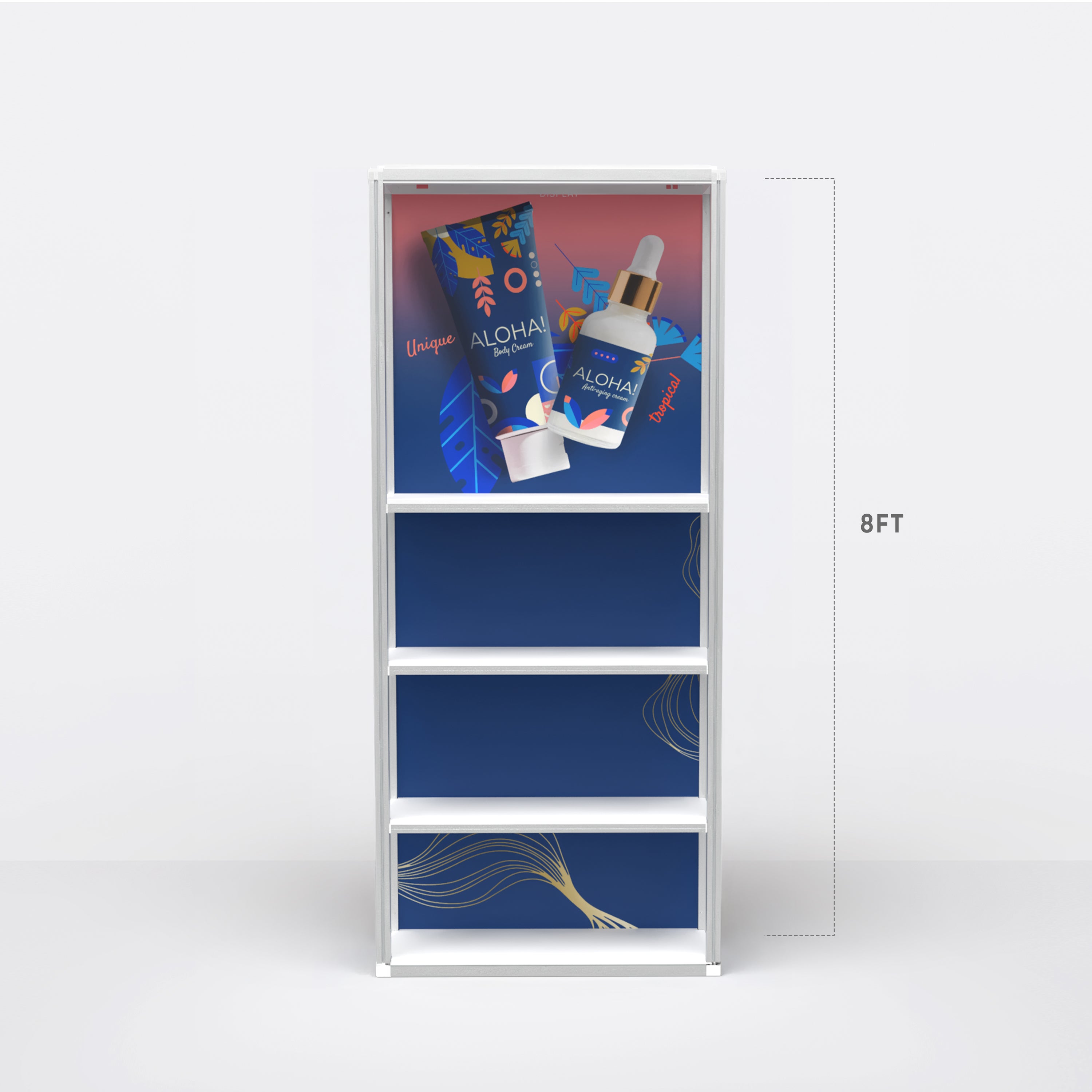
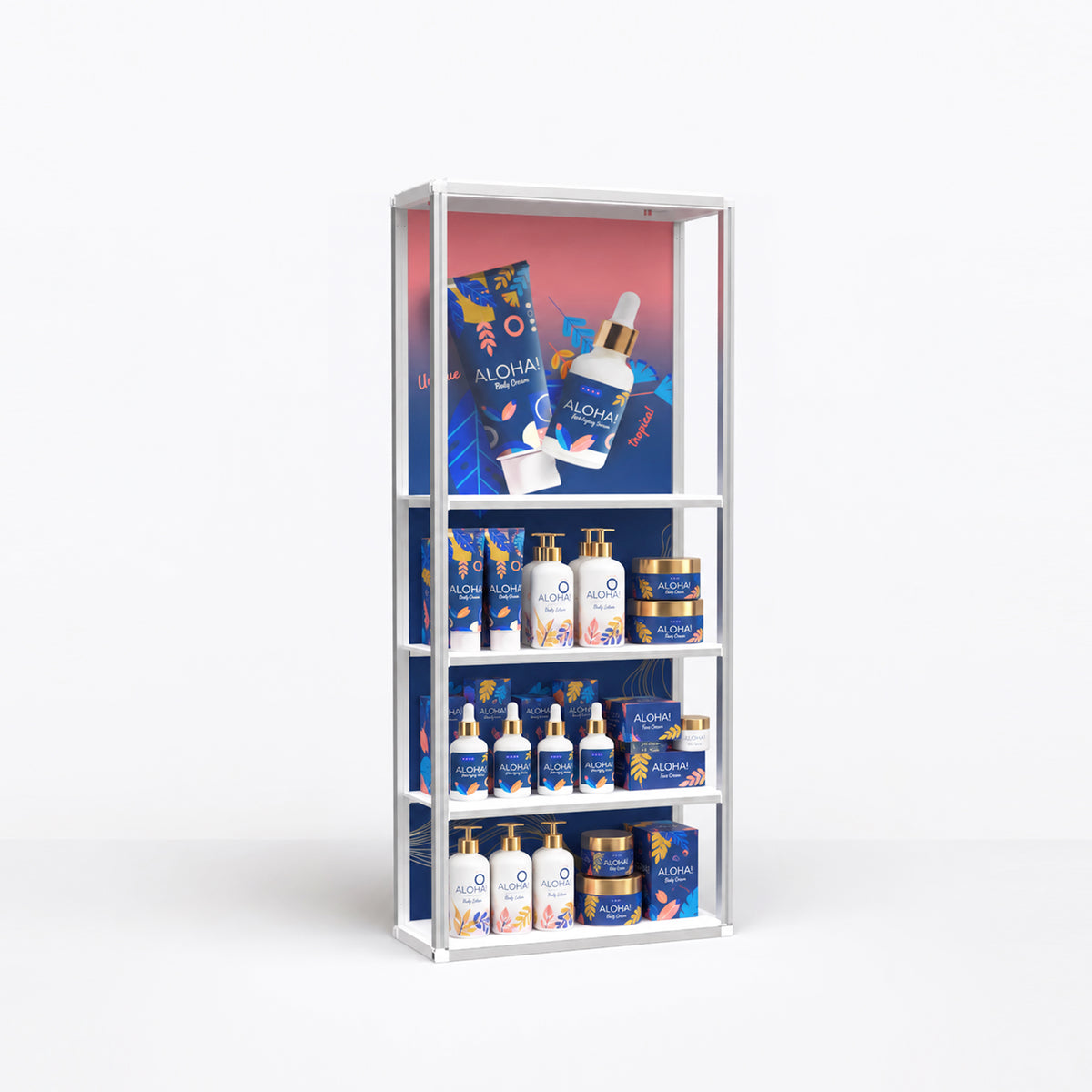
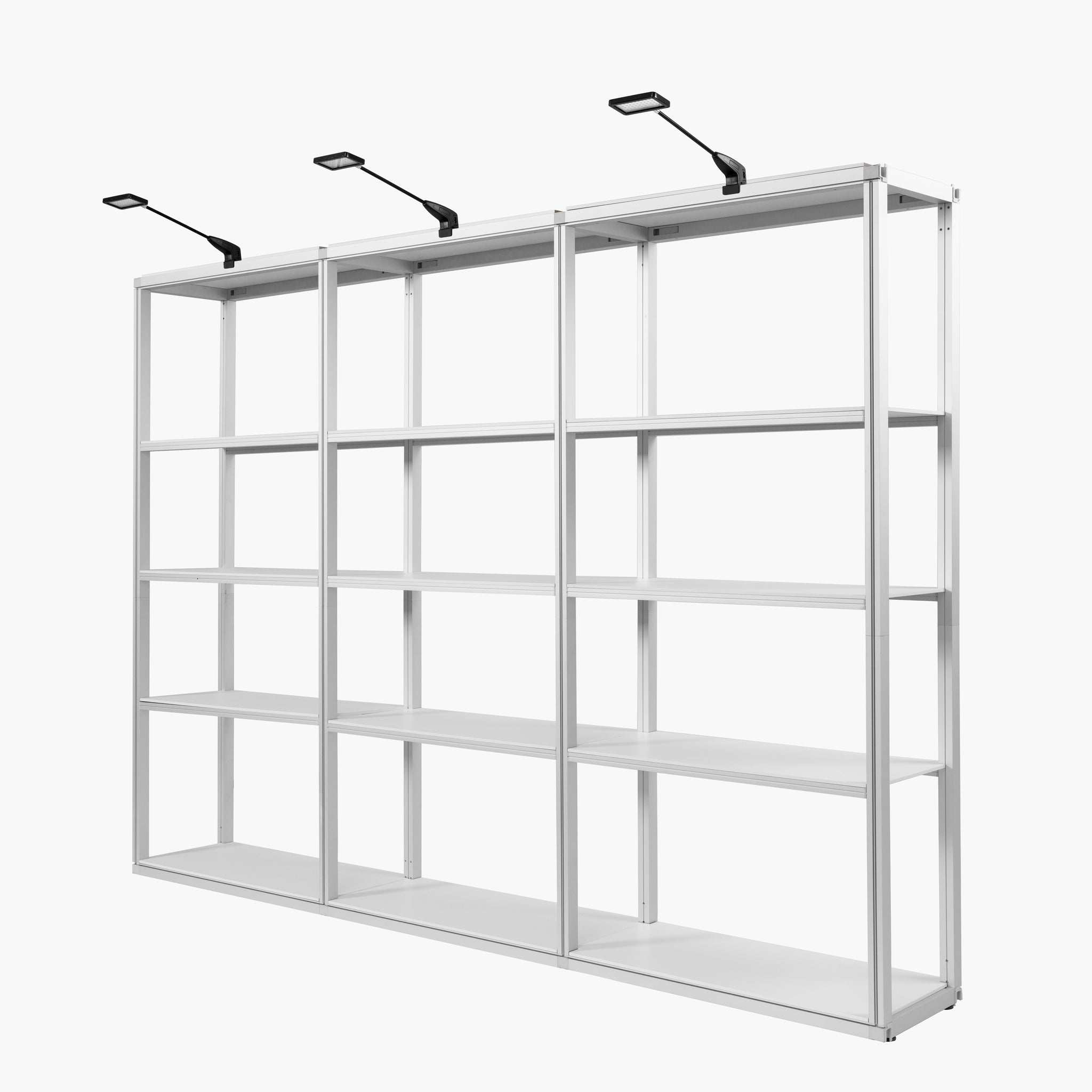
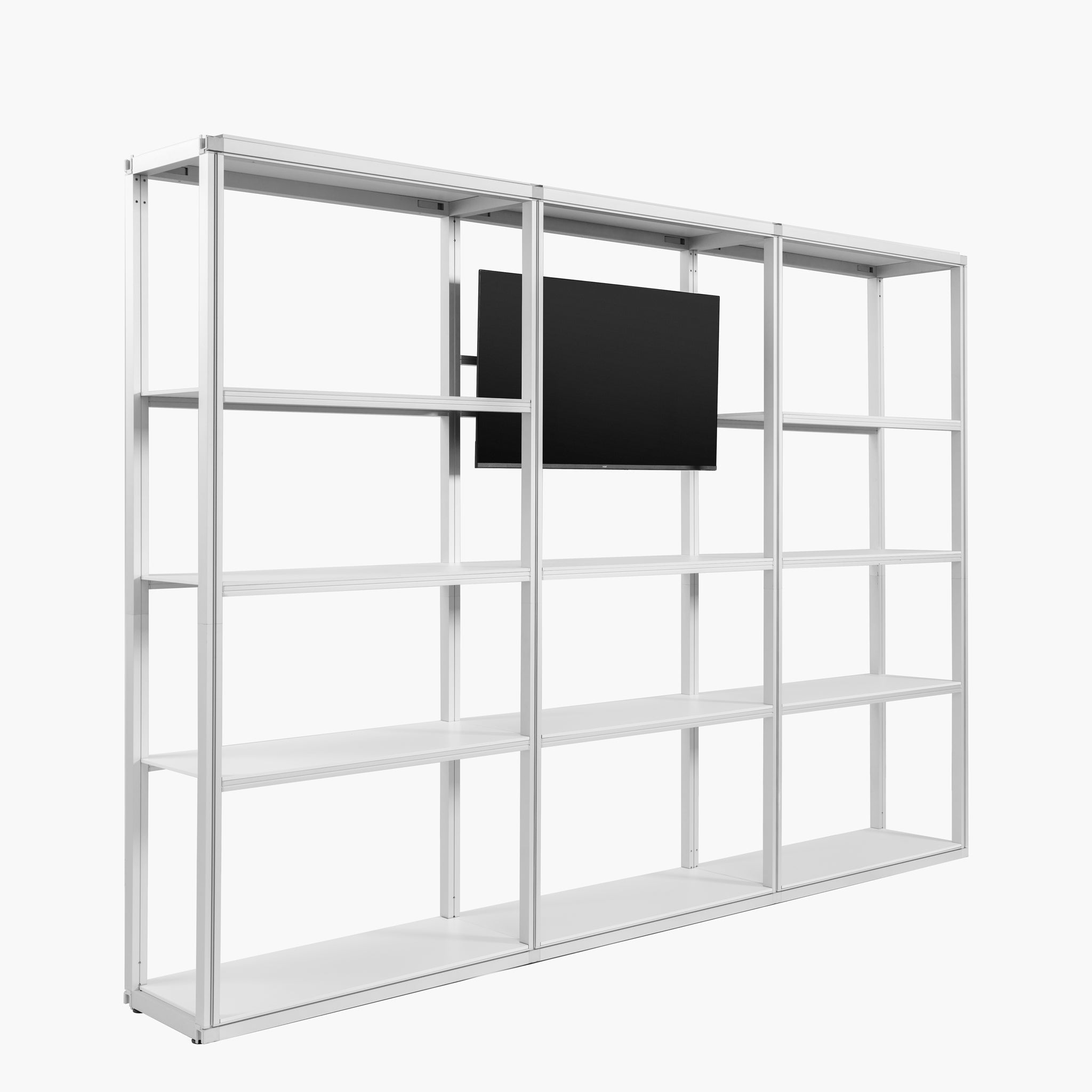
Modular Rack - 1 Section - 5 Tier Frame with Panels
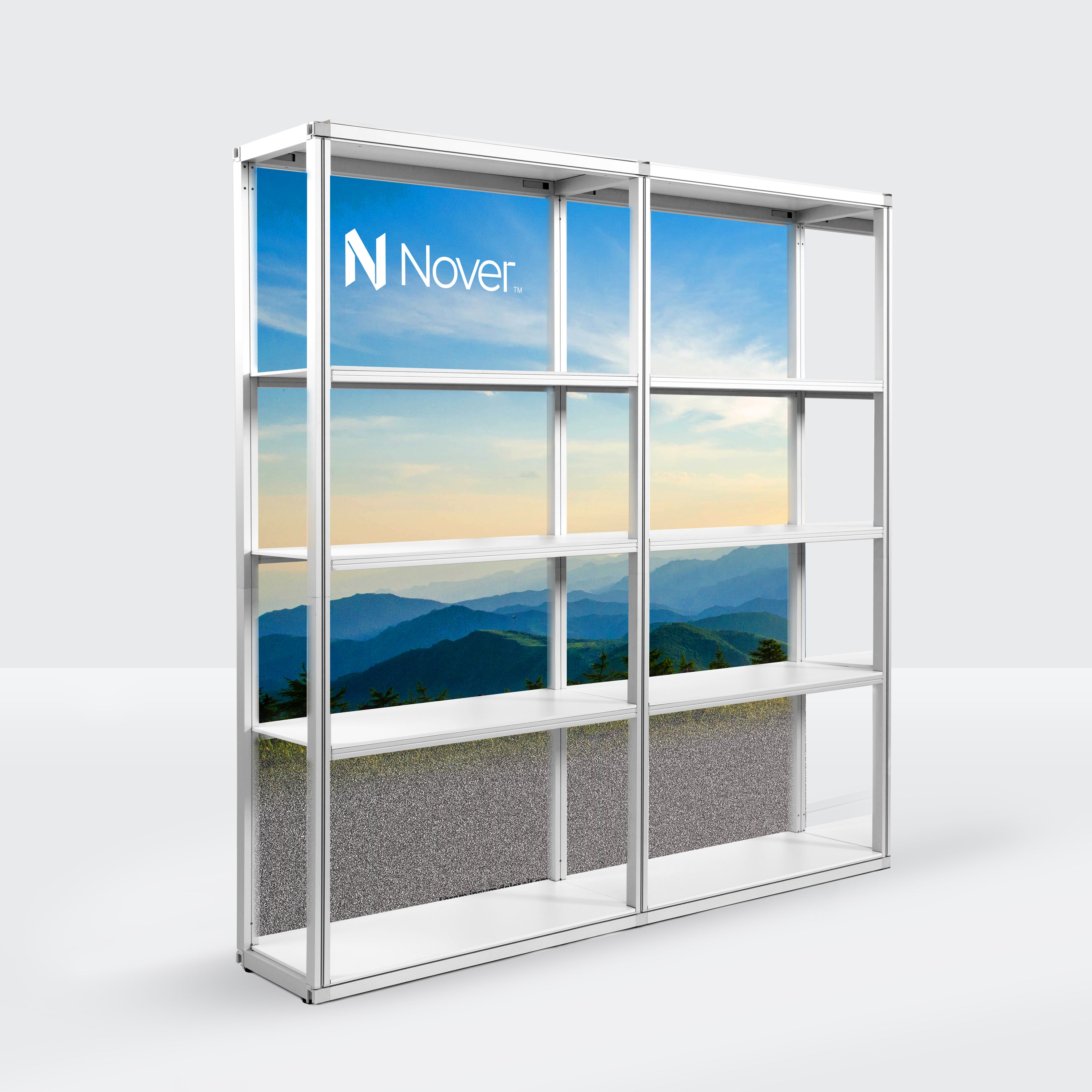
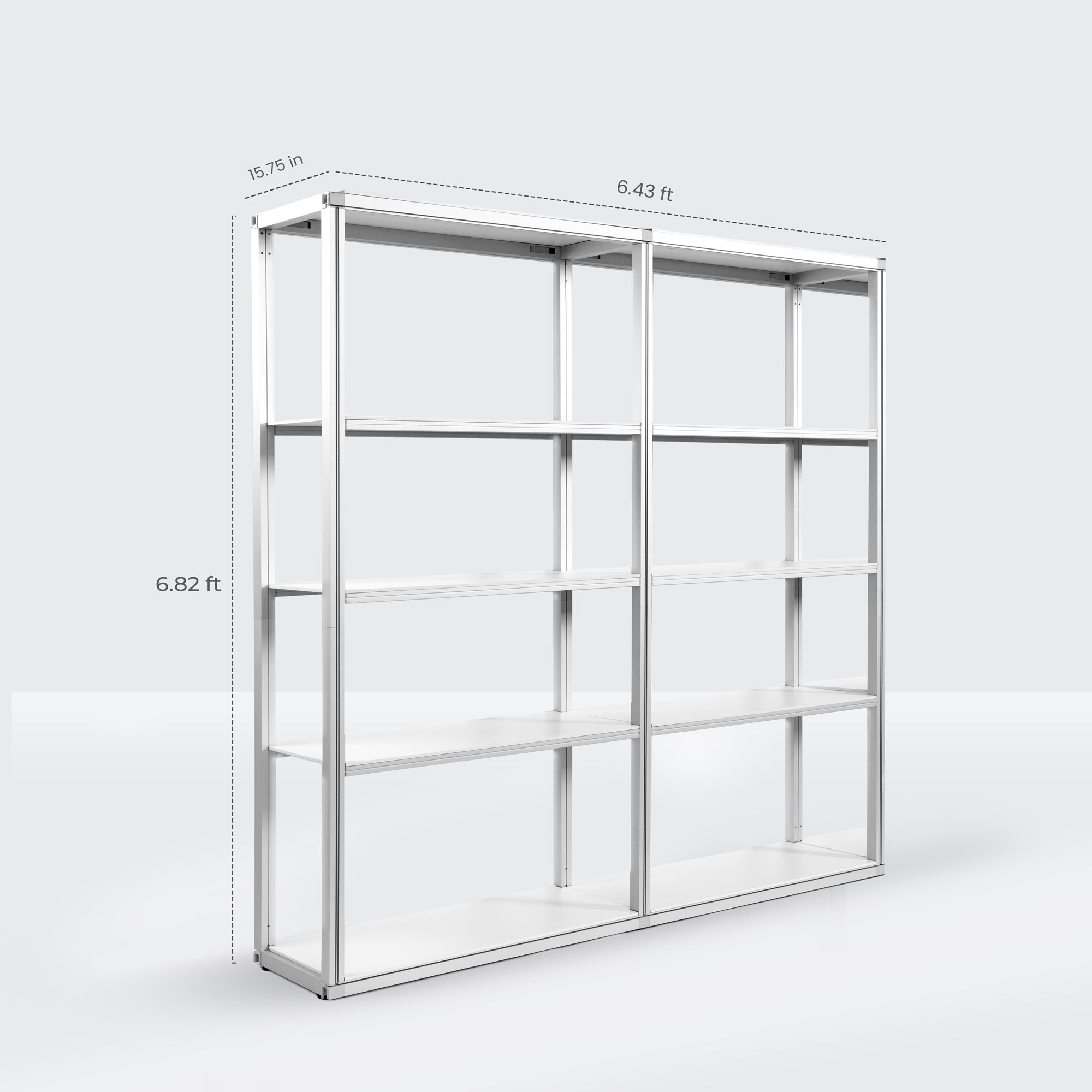
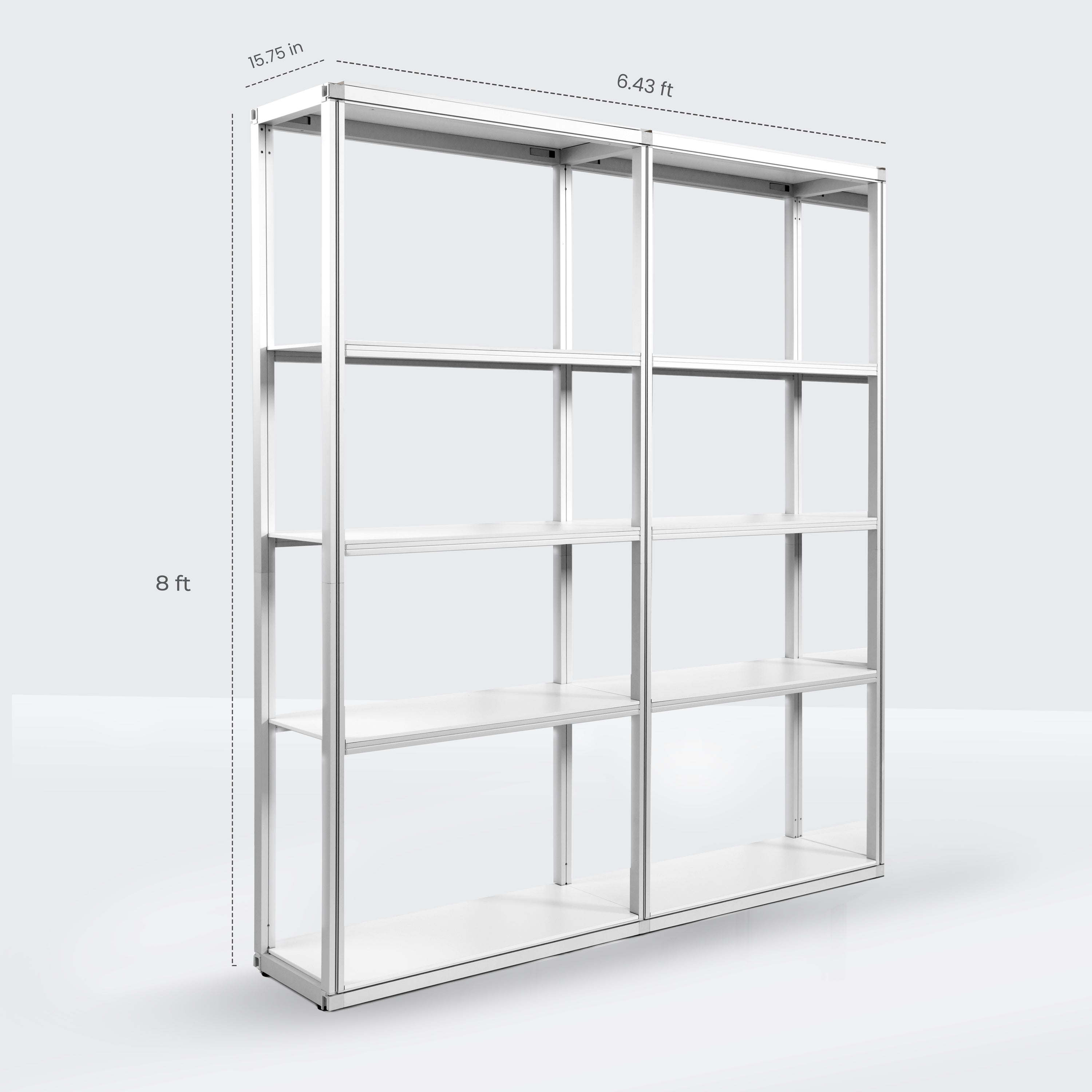
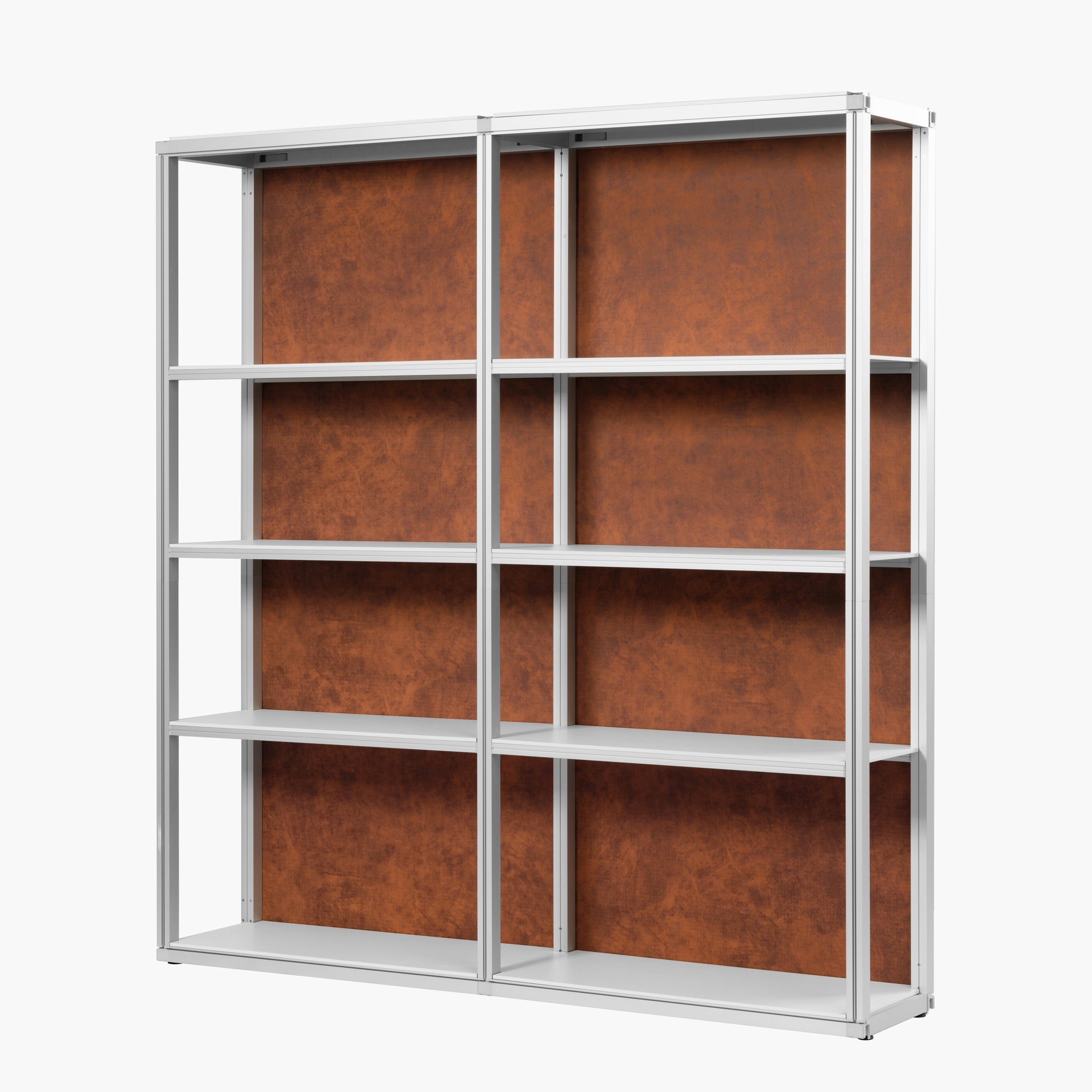
Modular Rack - 2 Section - 5 Tier Frame with Panels


Modular Rack - 3 Section - 5 Tier Frame with Panels
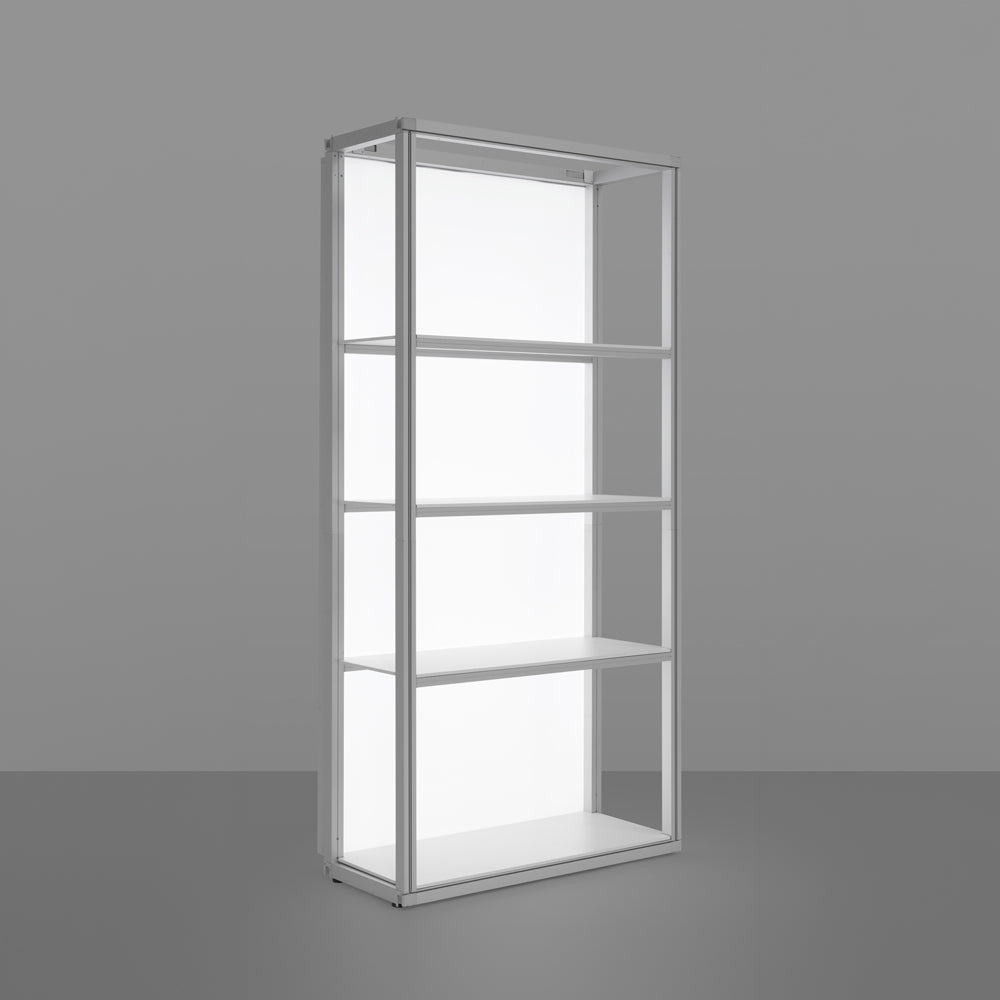
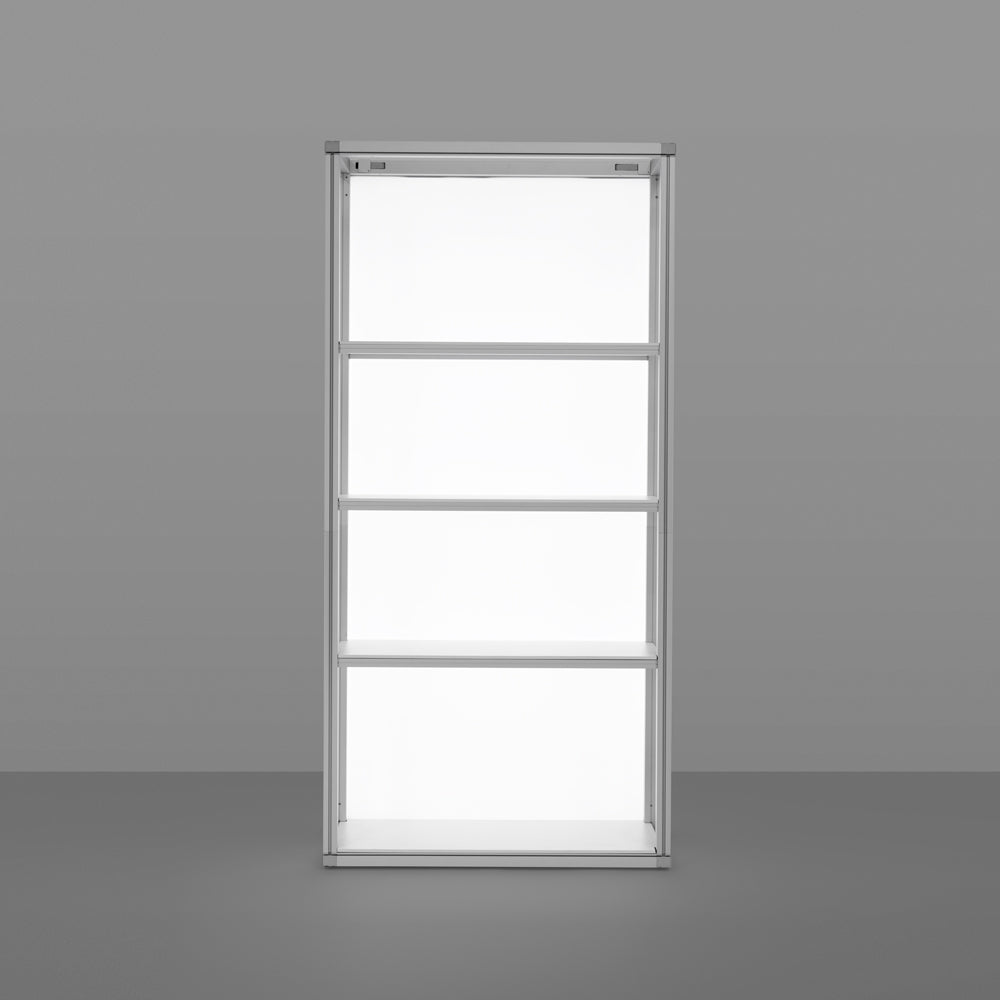
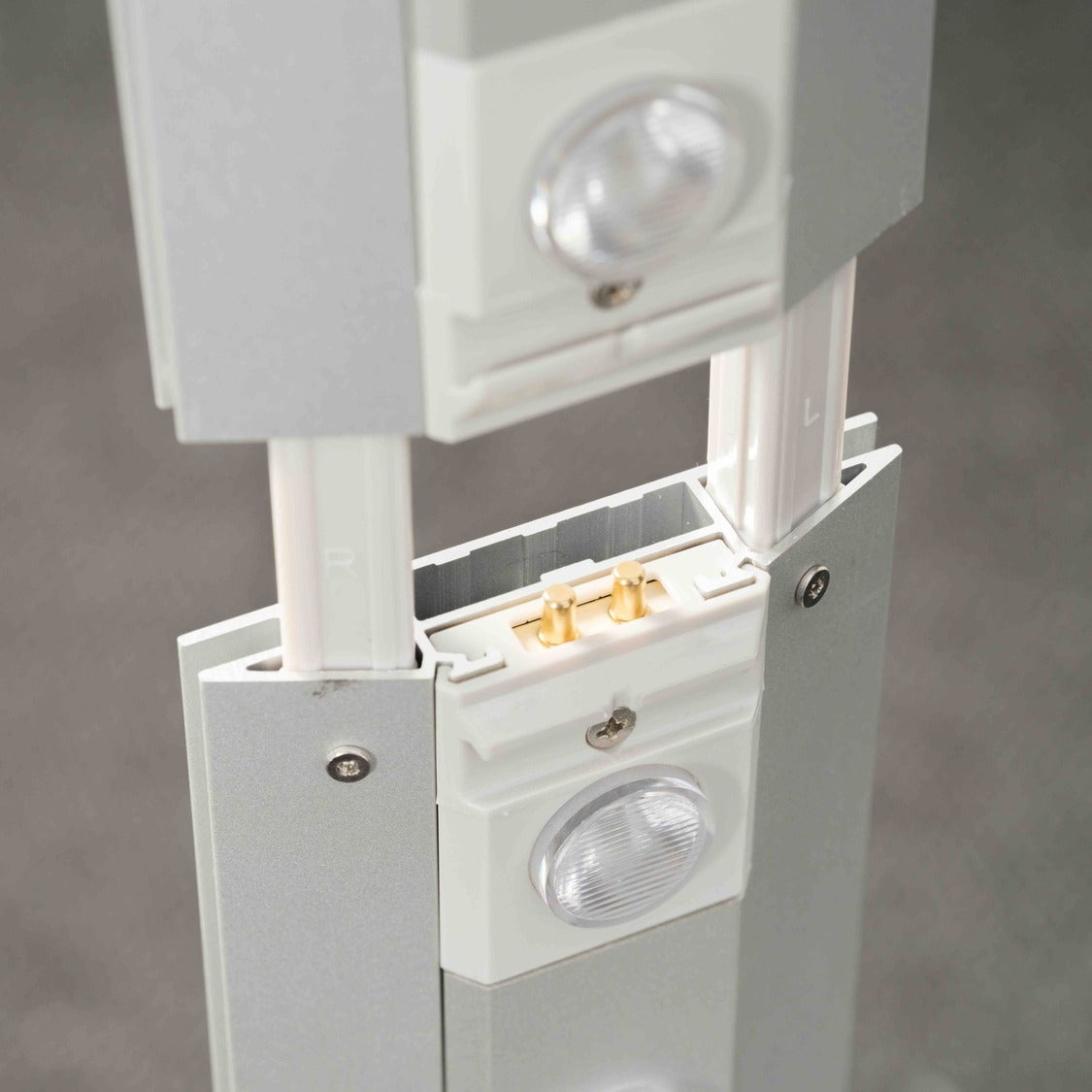
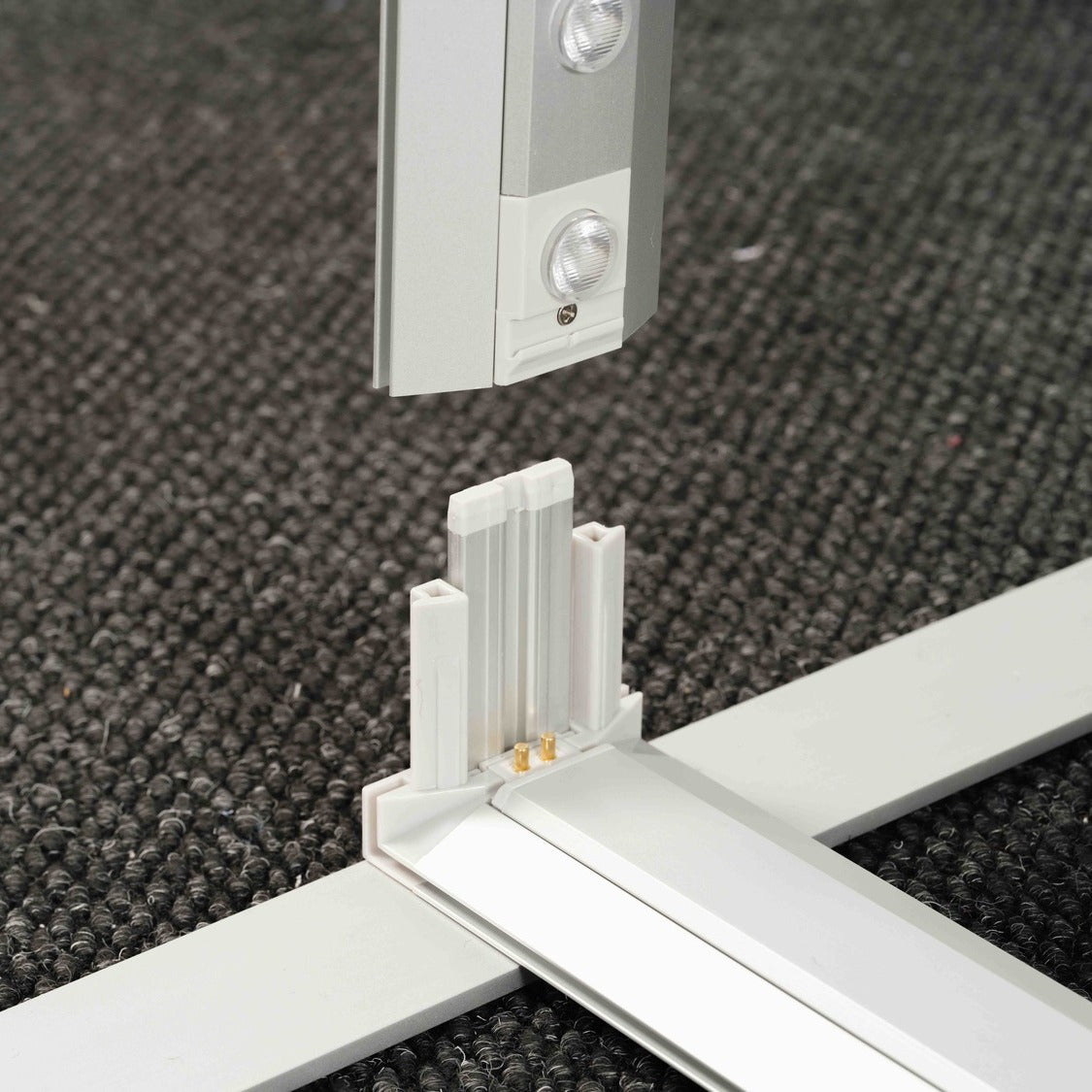
Backdrop Light Box Kit for Modular Rack

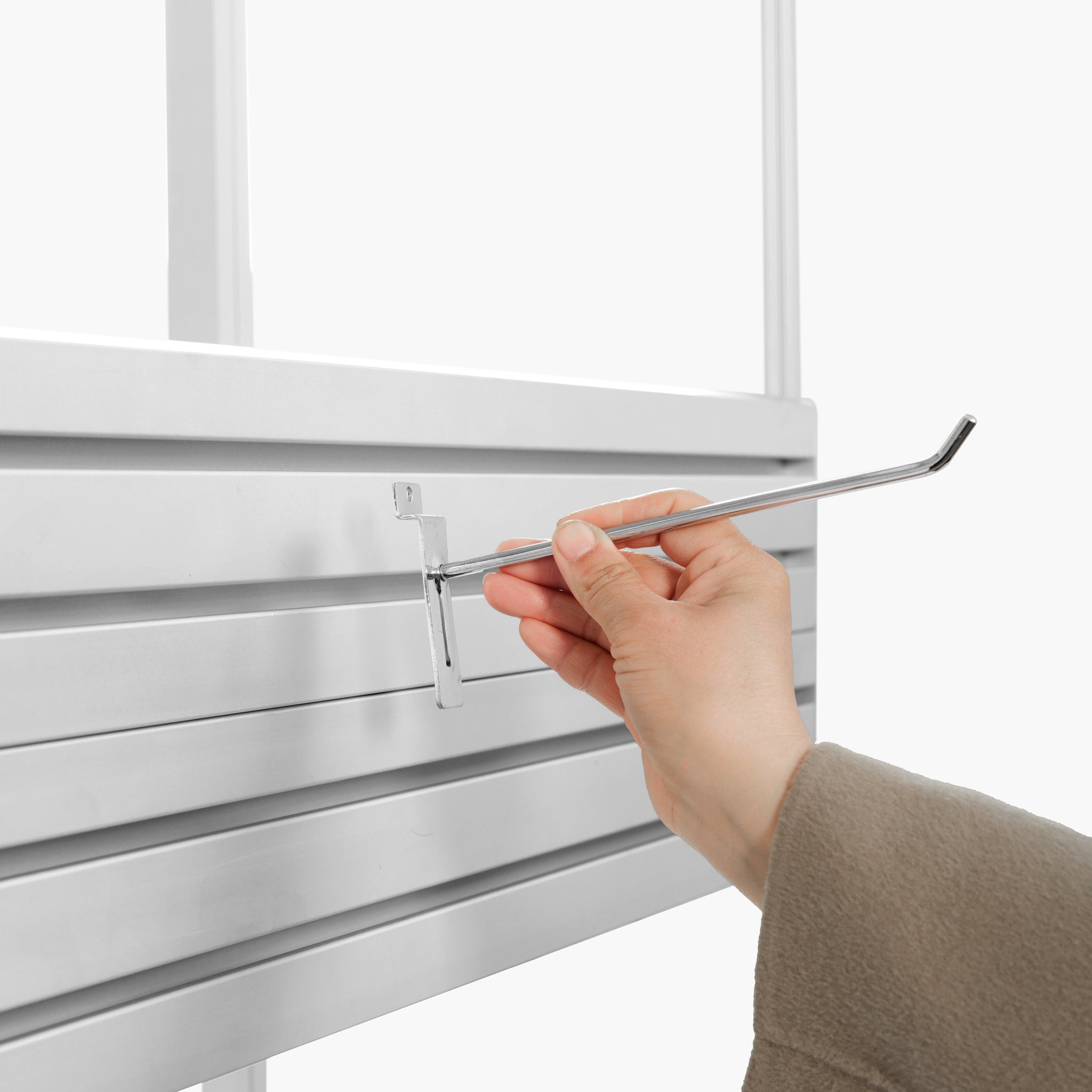
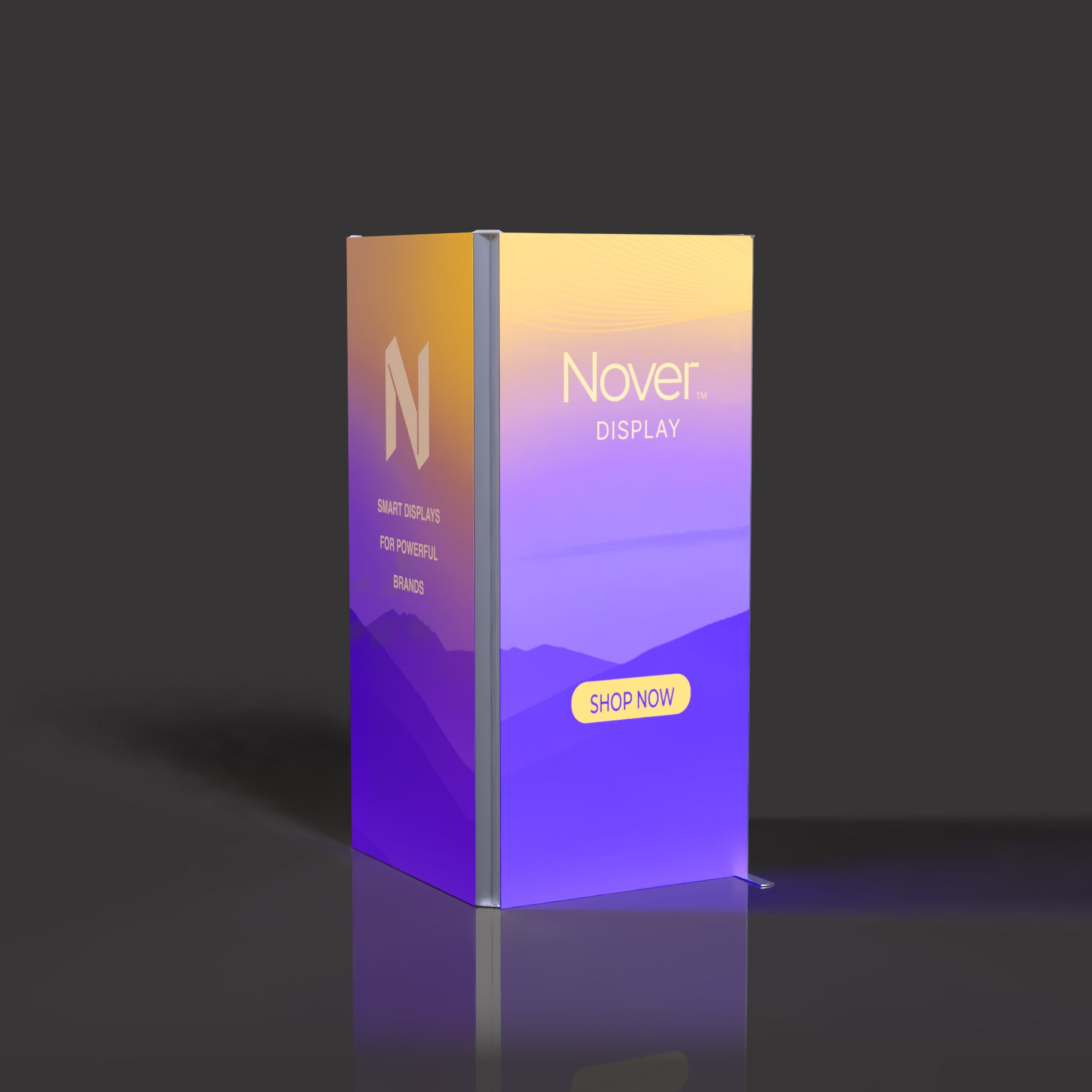
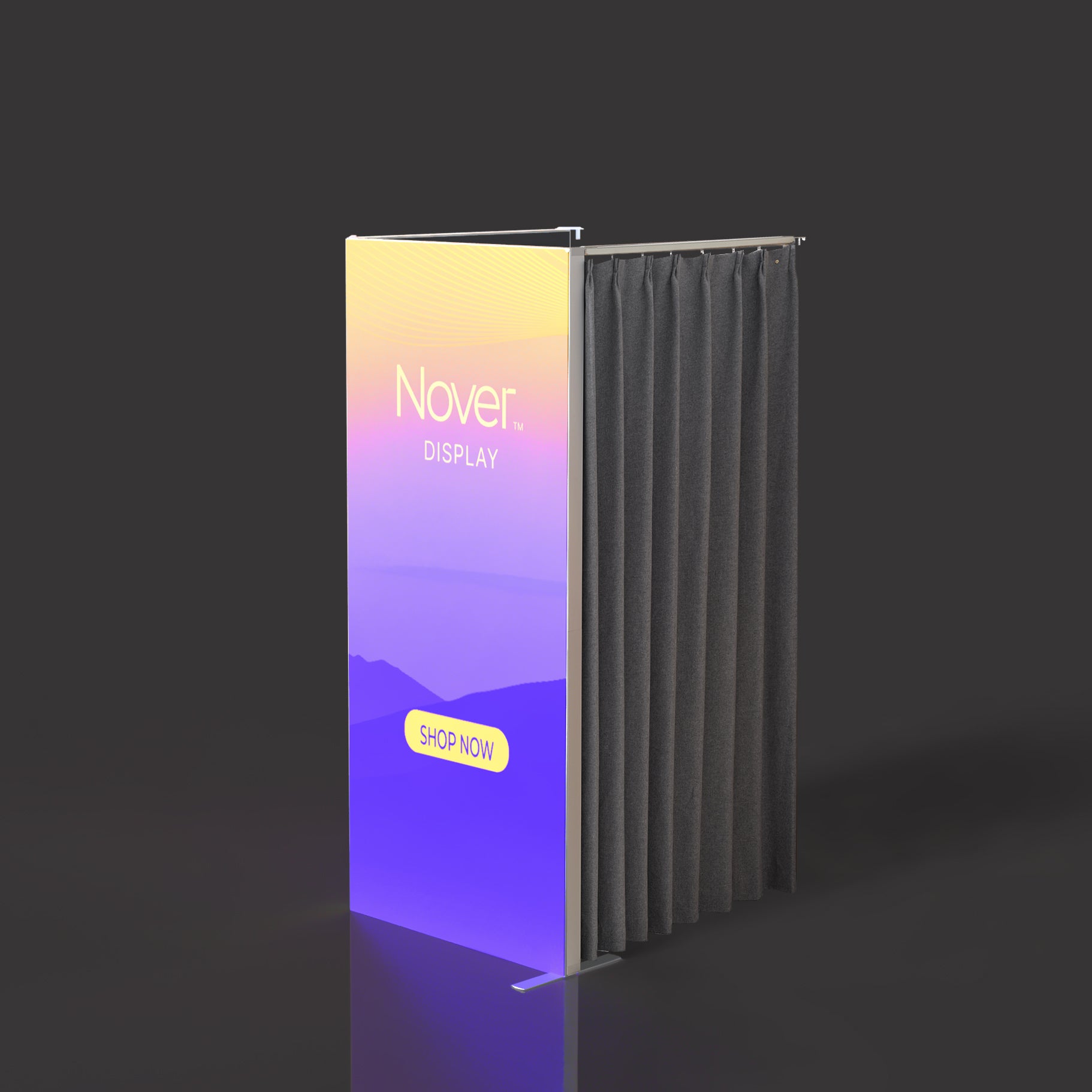
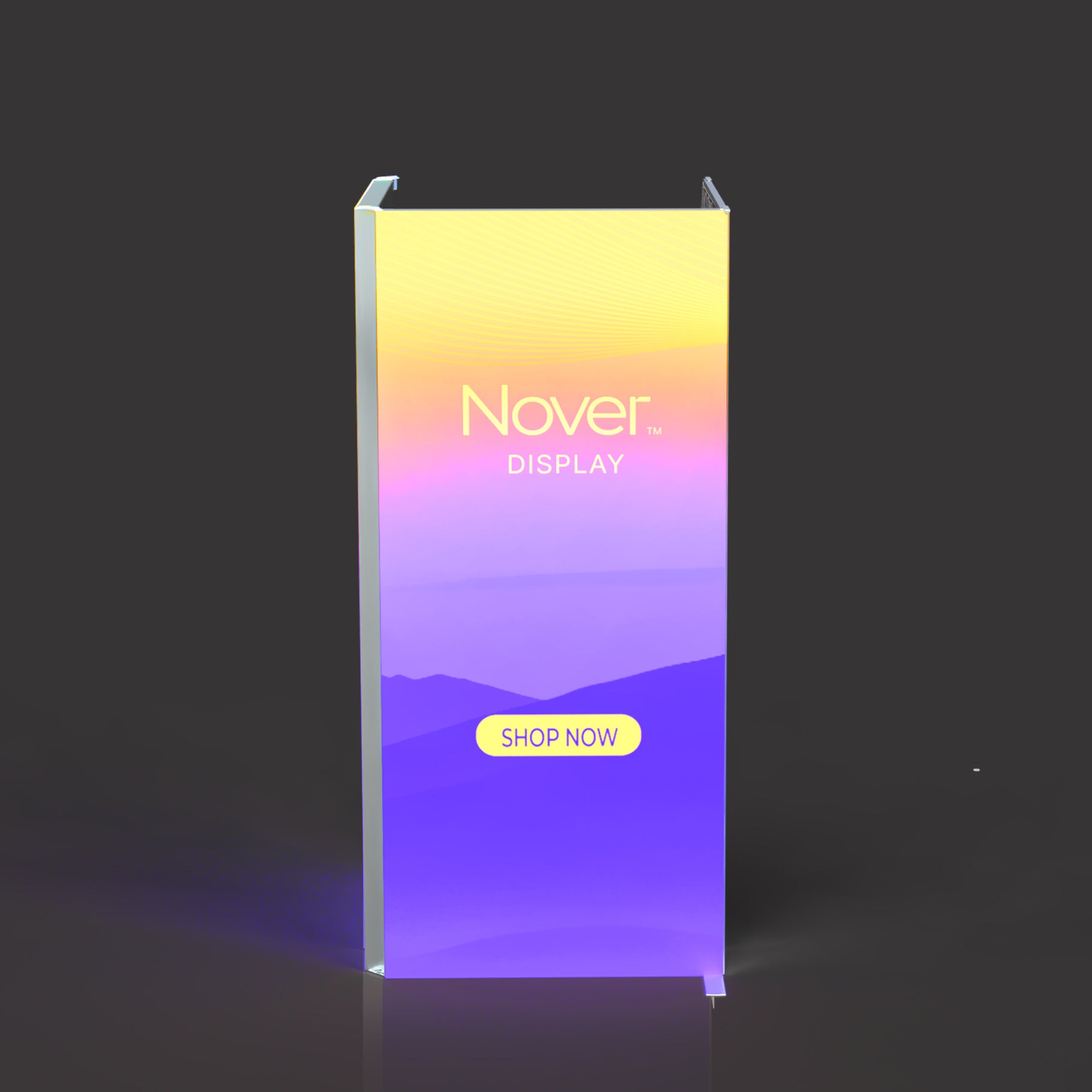
Trade Show Accessory Guide
Complete Your Trade Show Display
Add counters, product display racks, shelves, lighting, monitor mounts, and compatible booth components to create a more functional and professional exhibit space.
Before You Buy
How to Choose Display Accessories
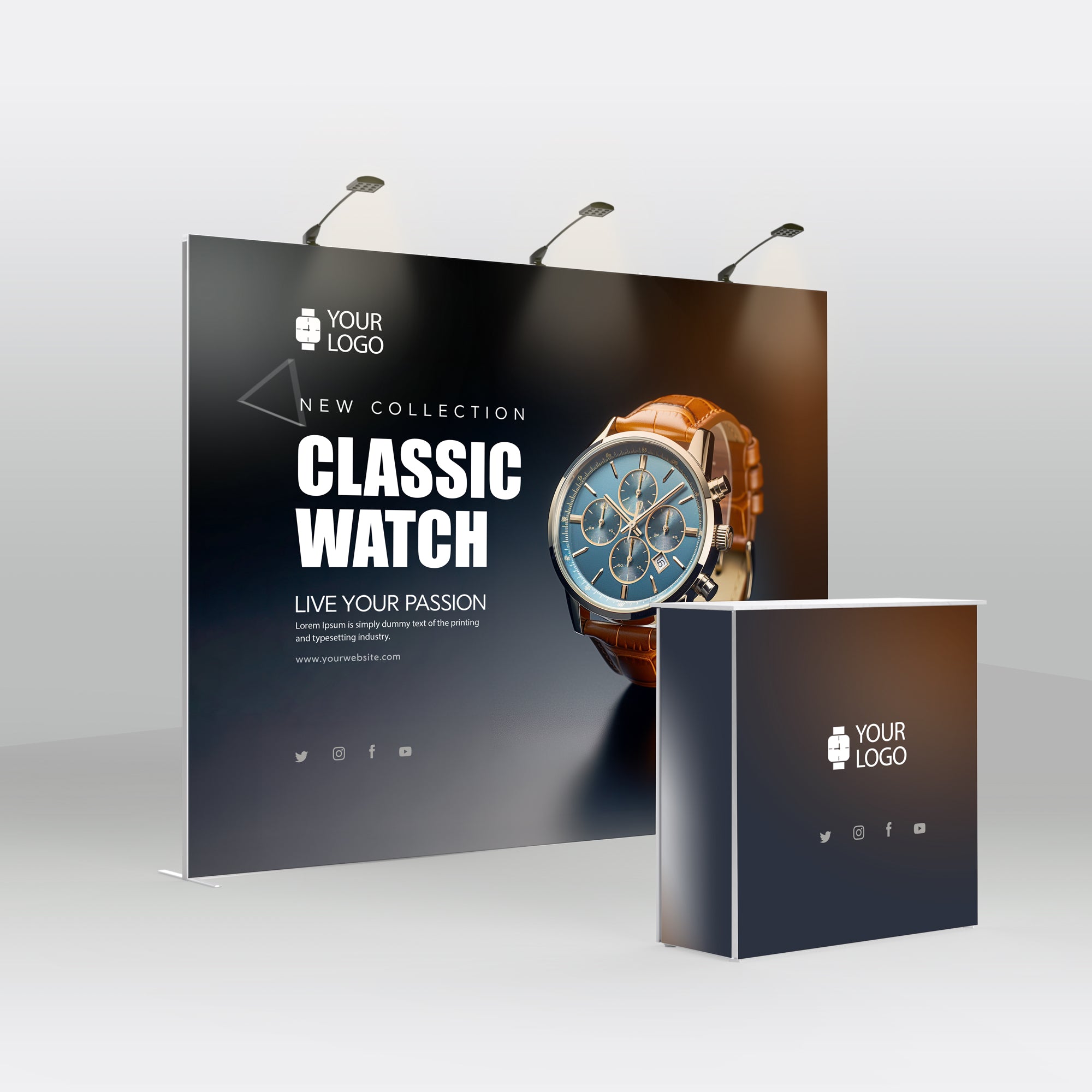
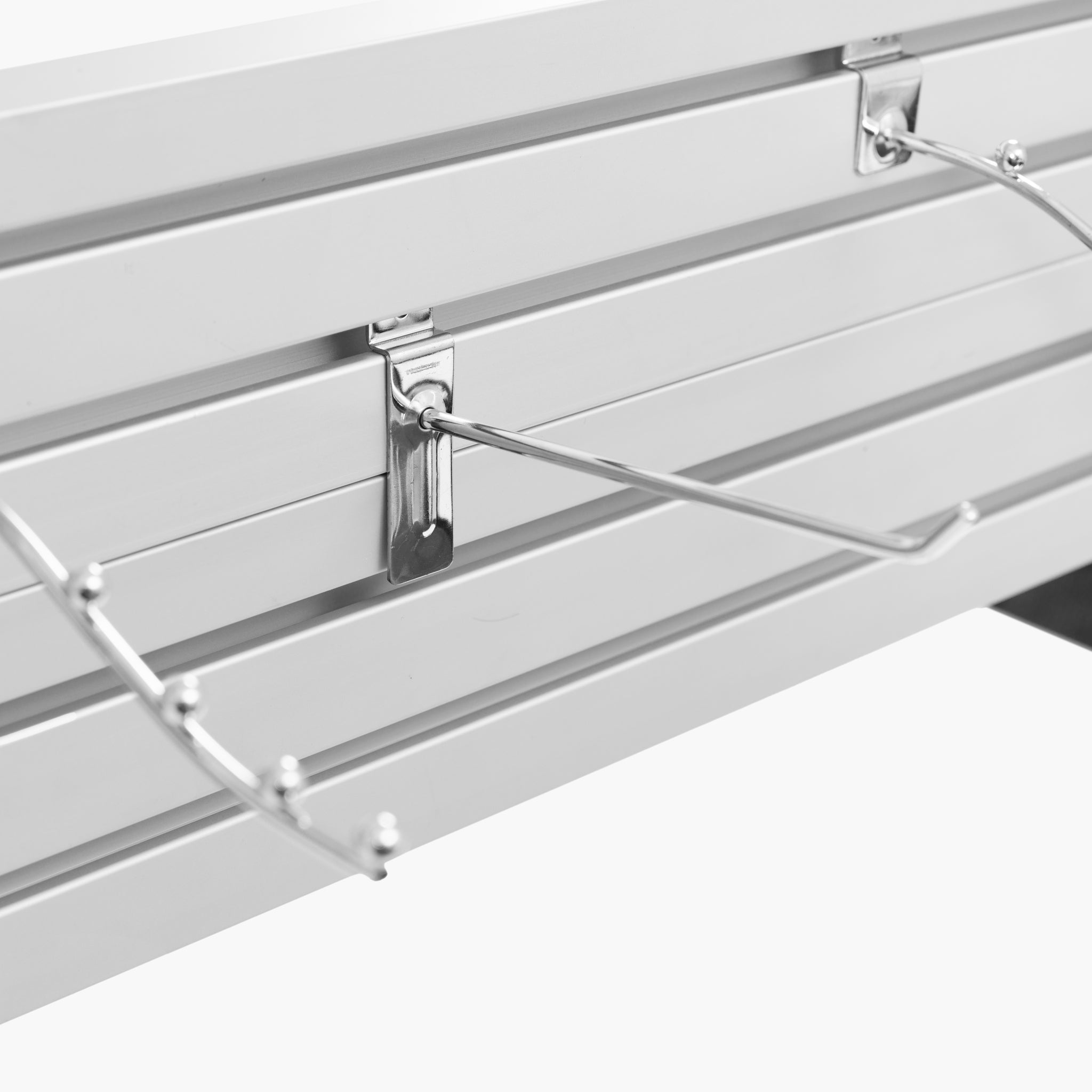
Start with the purpose of your exhibit. Use a counter to create a reception, demonstration, or customer consultation area. Add product display racks and shelf kits when merchandise, samples, literature, or equipment must remain organized and visible.
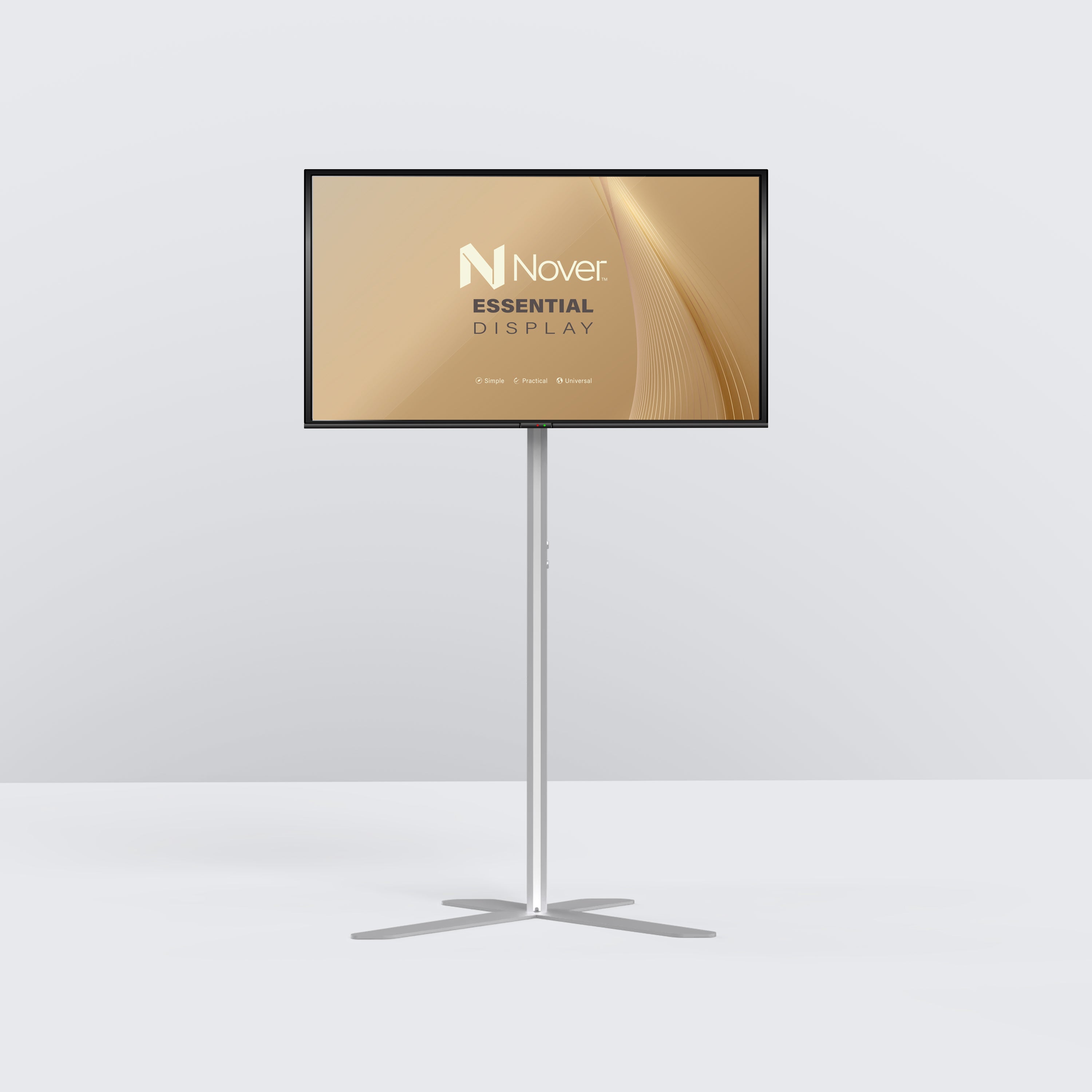
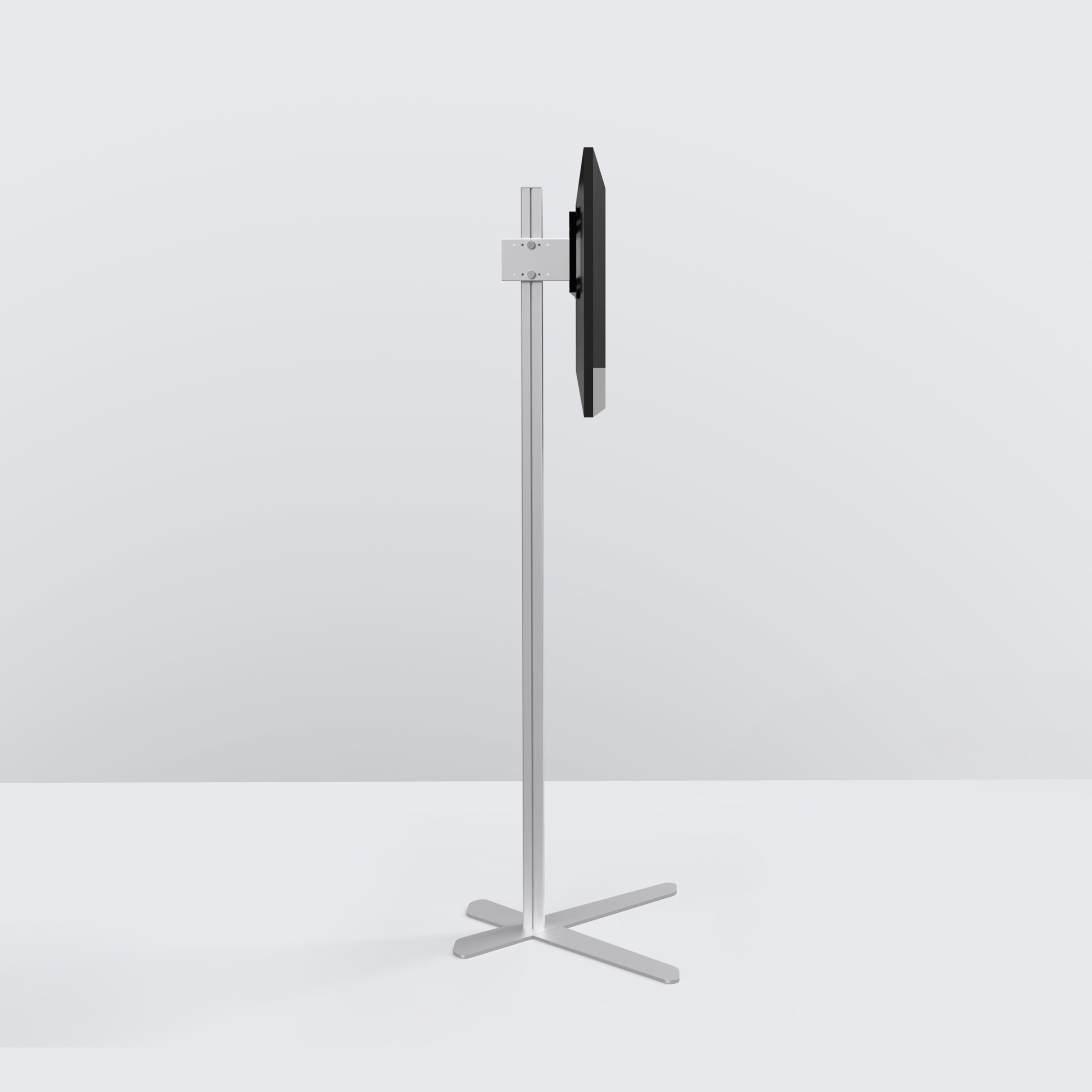
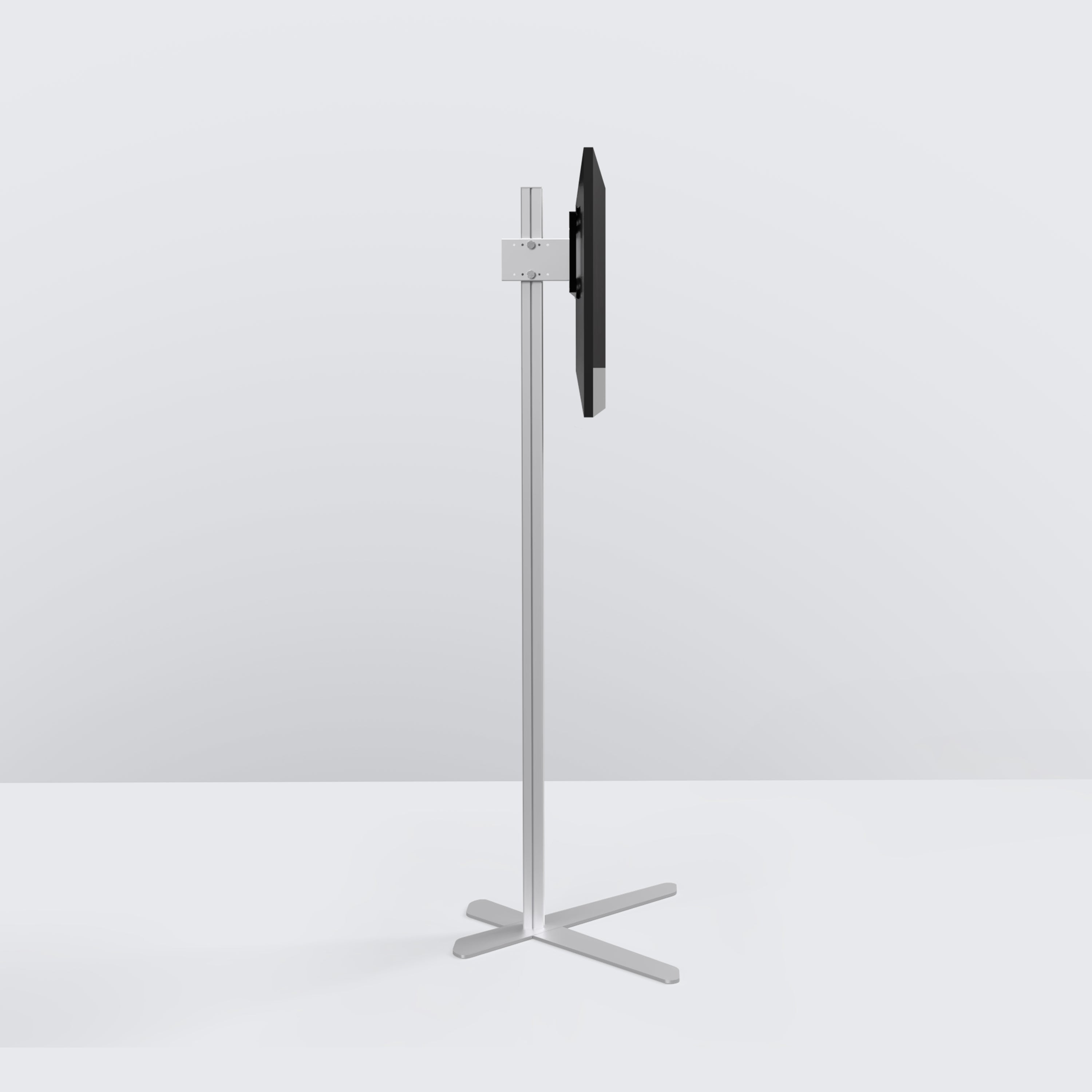
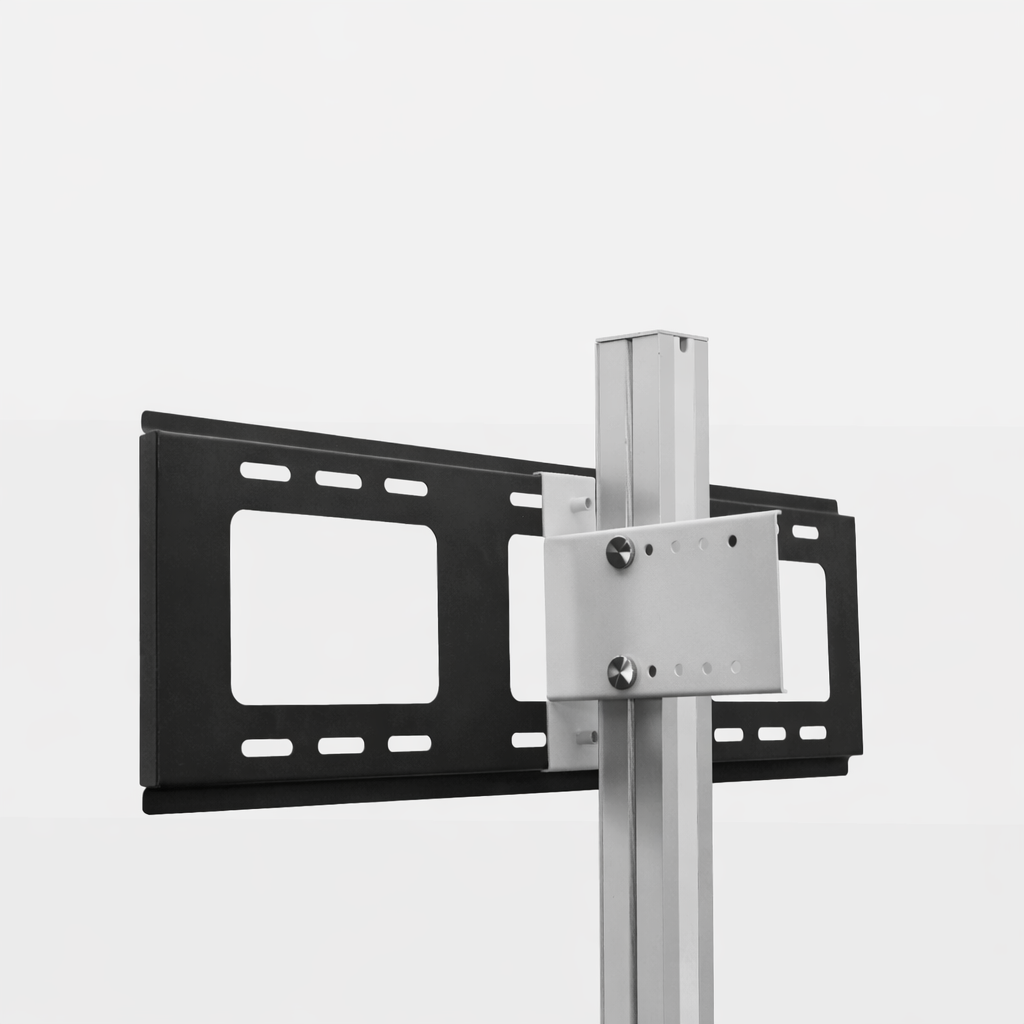
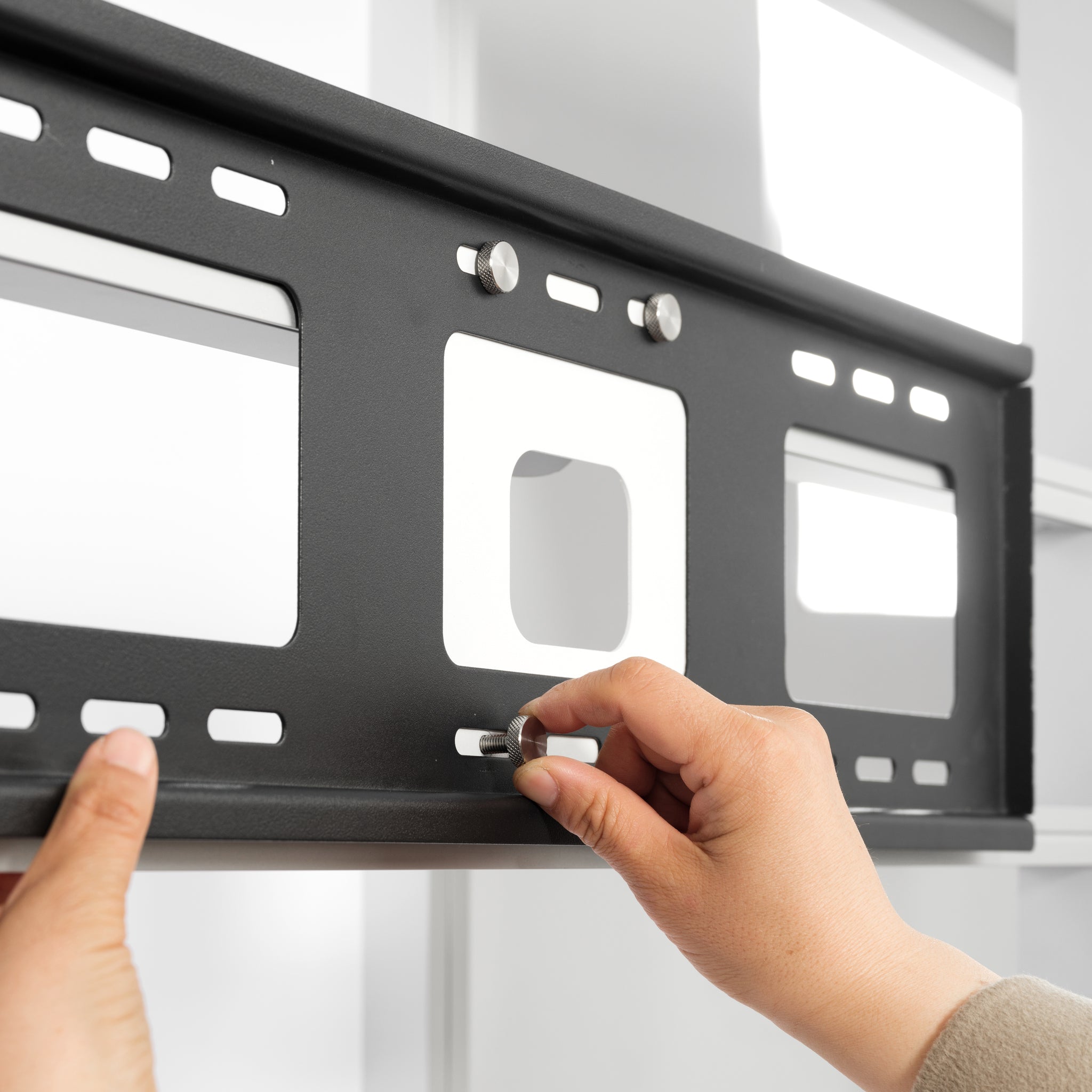
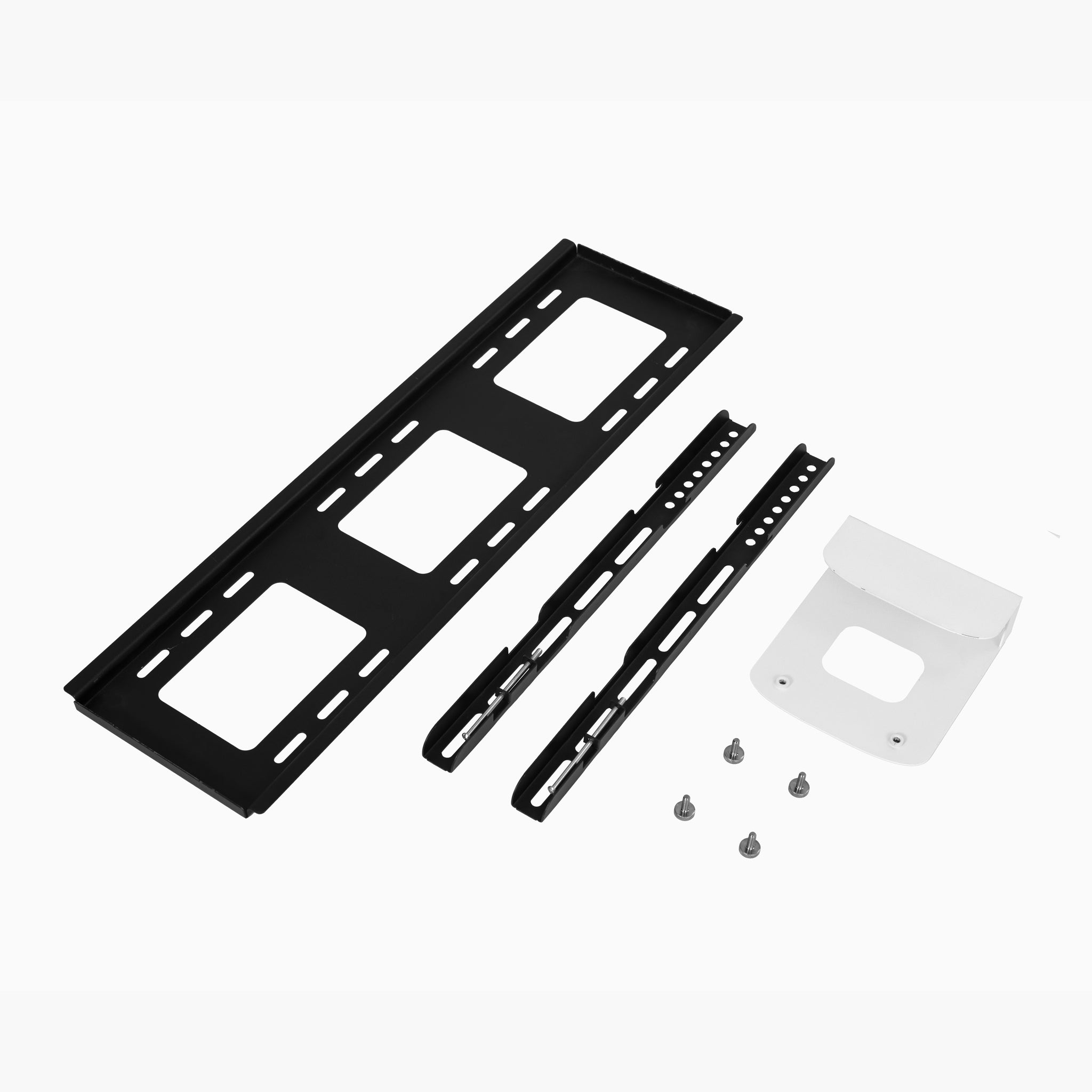
Display lights can improve the visibility of graphics and products, while TV stands and monitor brackets support videos, presentations, and interactive media. Closet kits, bridge kits, connectors, and modular rack components can further expand compatible booth systems.
- Choose a counter for reception, demonstrations, or customer conversations.
- Add shelving when products, samples, or literature need organized display.
- Use spotlights to draw attention to graphics and featured products.
- Select a TV stand or monitor mount for video and digital presentations.
- Confirm every add-on is compatible with your existing booth system.
- Check dimensions, weight limits, power access, and transport requirements.
Frequently Asked Questions
Trade Show Accessory FAQs
What accessories does a trade show booth need?
Common booth accessories include a reception counter, display lighting, product shelves, monitor mounts, literature storage, carrying cases, and compatible booth connectors. The right combination depends on whether your booth is focused on customer conversations, product presentation, demonstrations, or digital media.
How do I choose a trade show counter?
Choose a portable counter for simple reception and customer interaction, a backlit counter for illuminated branding, a hard case counter for equipment transport and reuse, or a modular rack counter when matching panels and shelving are required.
Can I add more shelves to a modular rack?
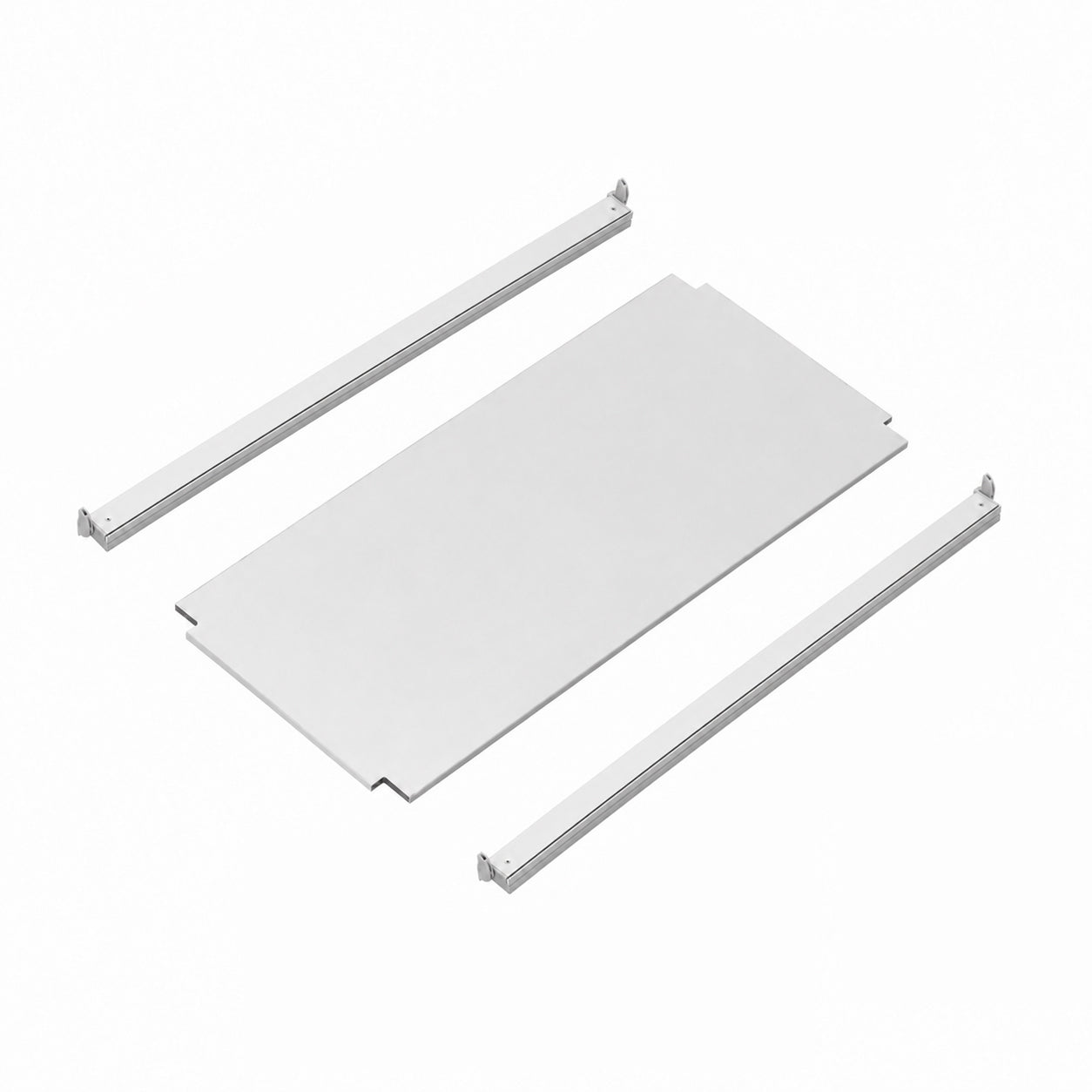
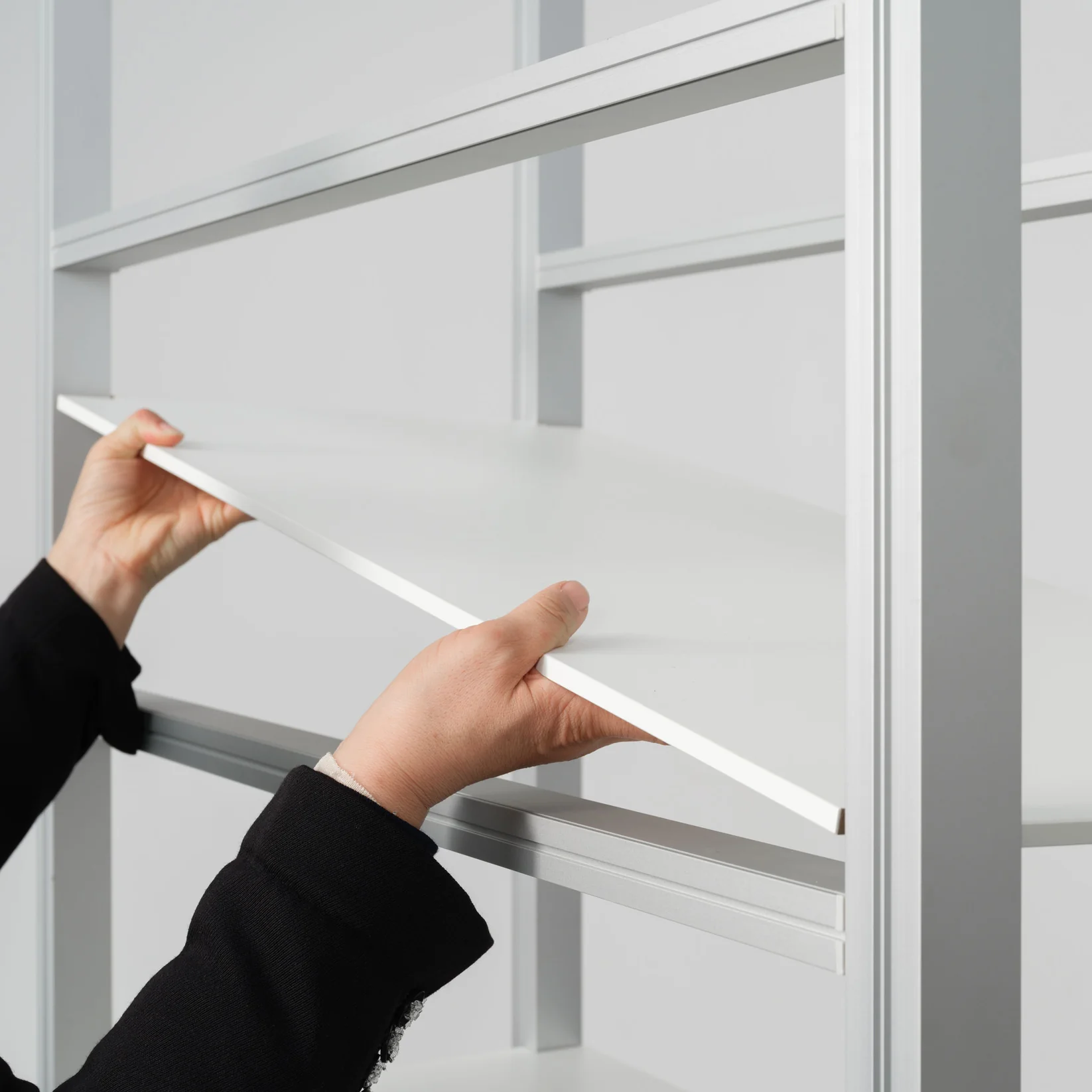
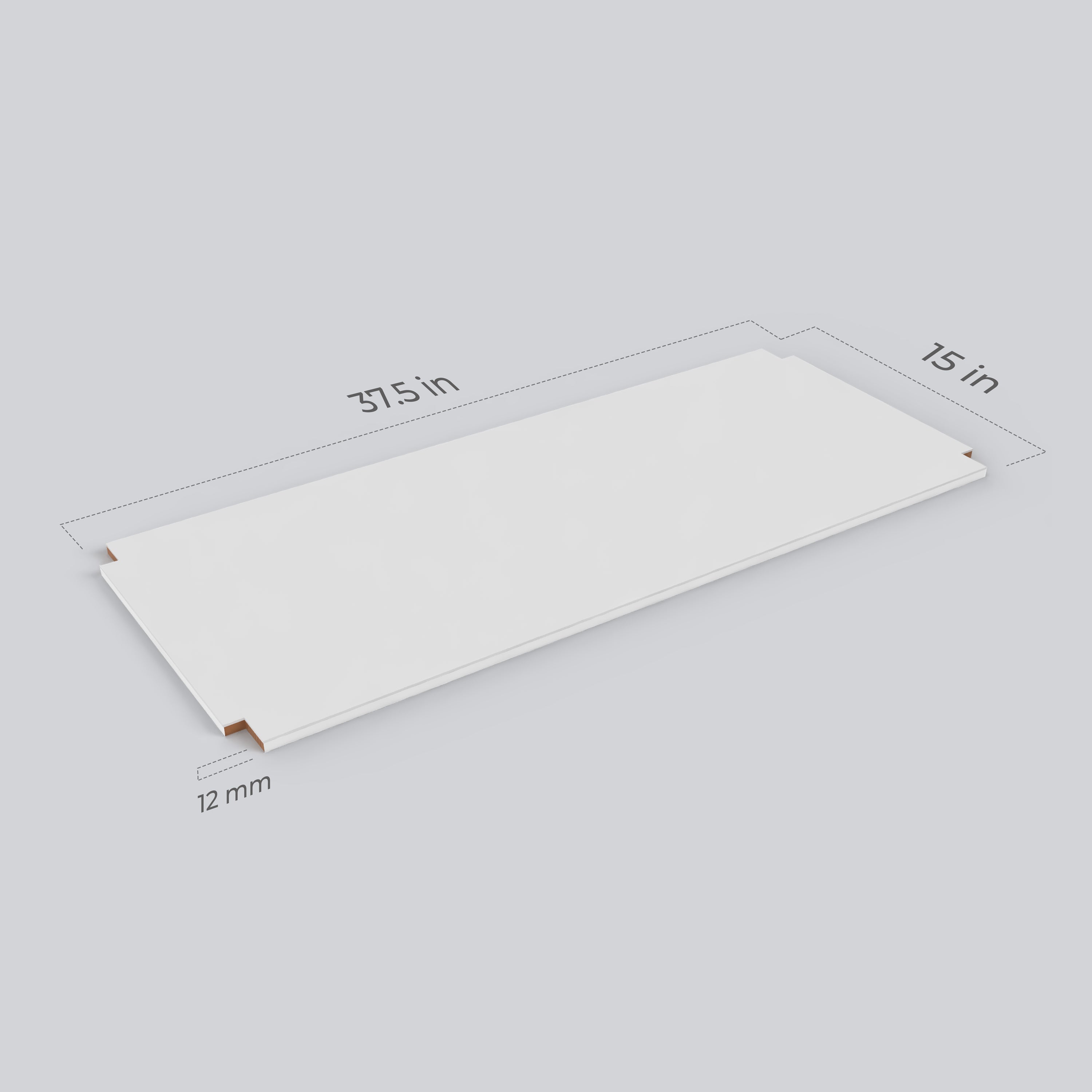
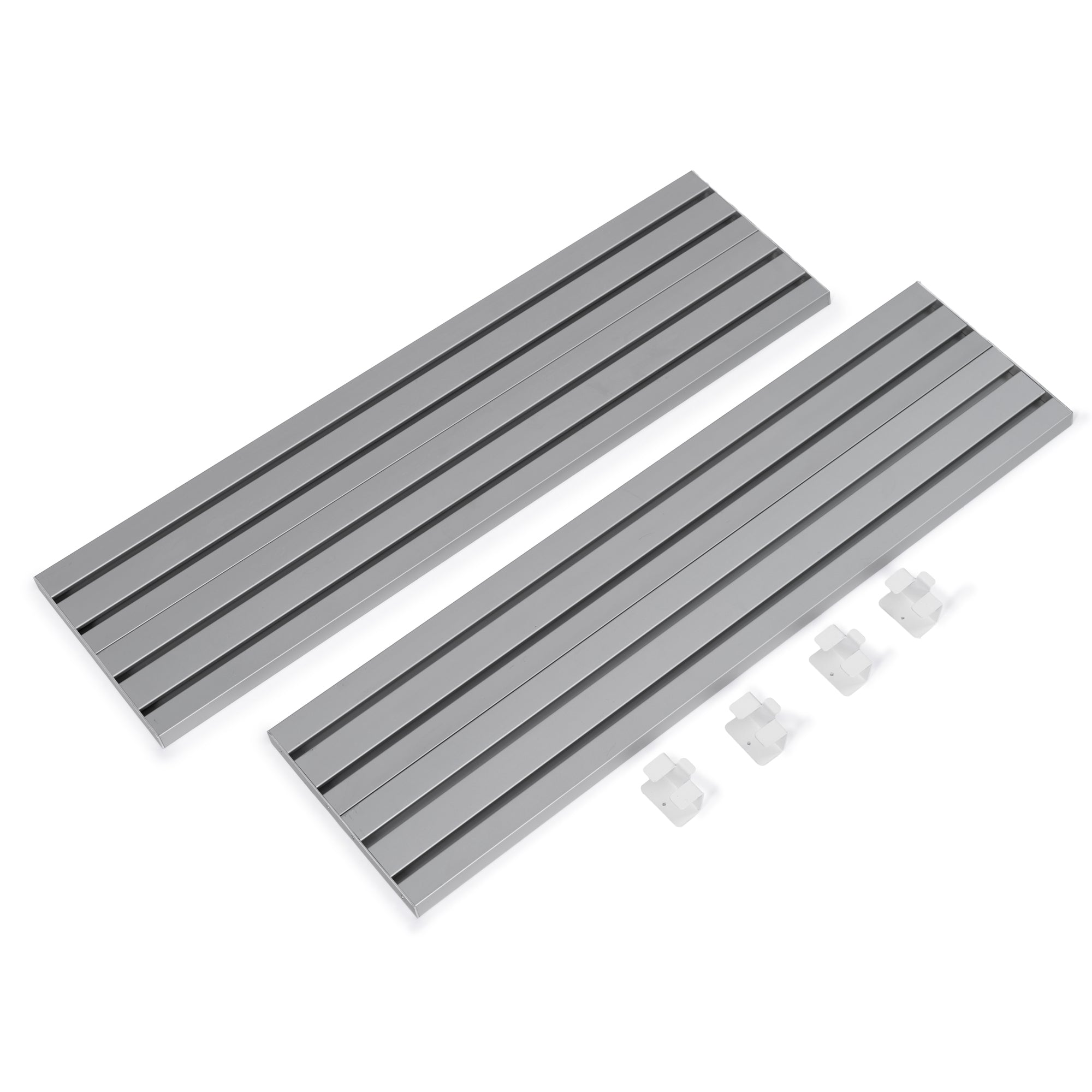
Yes. The Modular Rack Shelf Add-On Kit adds one additional shelf level to a compatible modular rack system. Each kit includes the components required for one extra shelf, but compatibility should be confirmed before ordering.
What is the difference between a TV stand and a monitor bracket?
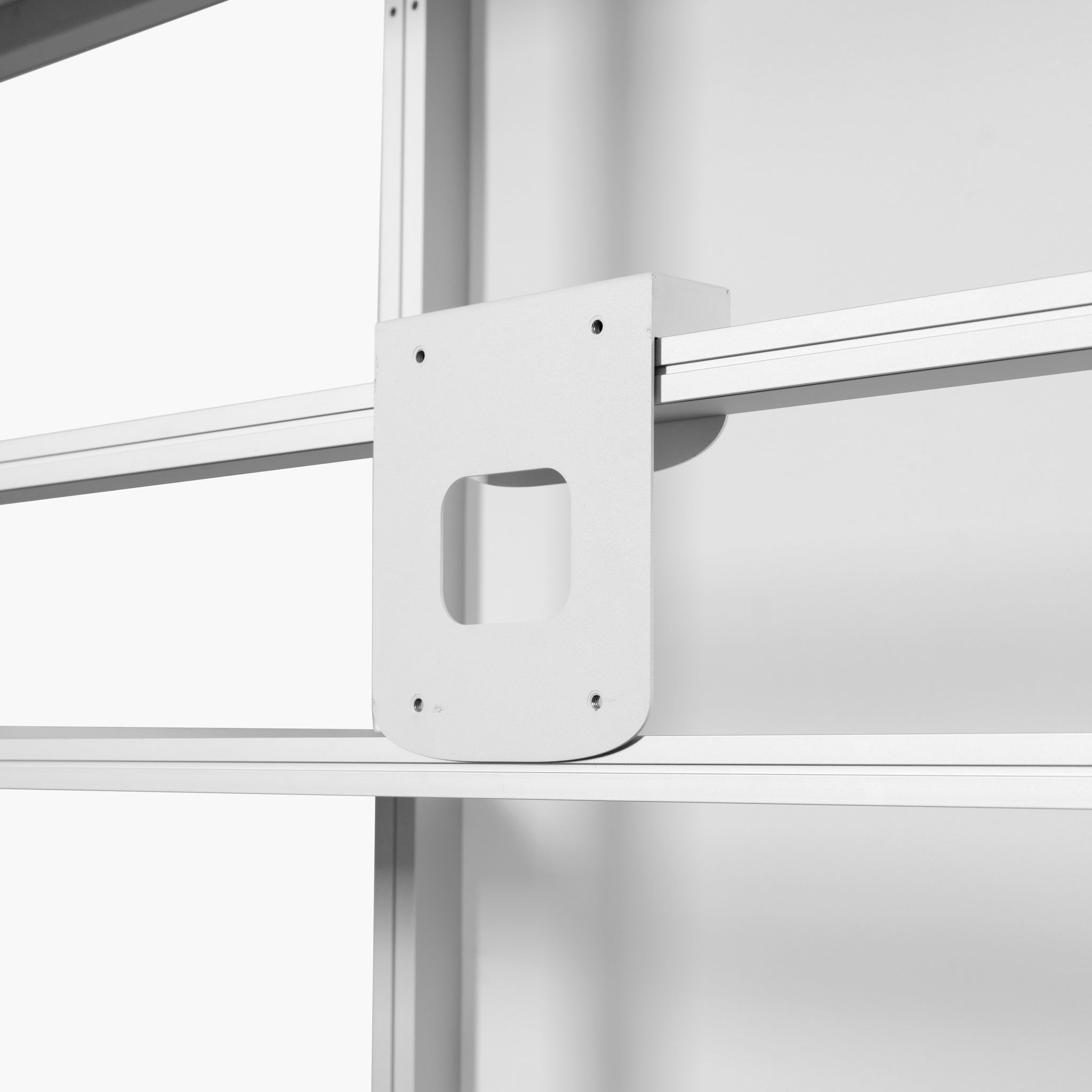
A portable TV stand is a freestanding display that can be positioned independently within an exhibit. A monitor bracket attaches a compatible screen directly to a booth or modular rack structure, helping conserve floor space.
Can display lights be added to any trade show booth?
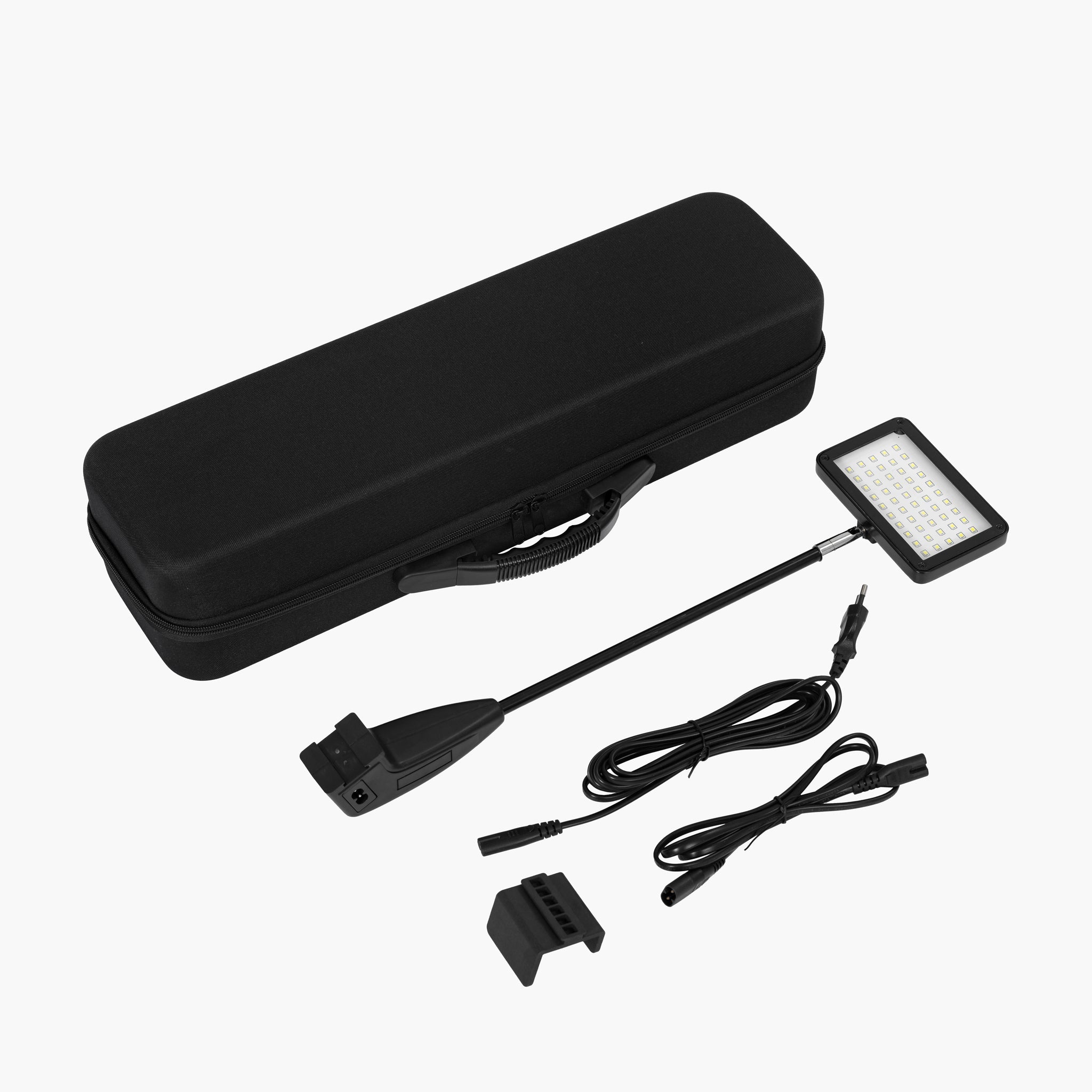
Display lights are designed for specific frames, racks, or mounting points and may not fit every booth system. Confirm the frame type, mounting method, electrical requirements, and product compatibility before ordering.
Are all booth accessories universal?
No. Connectors, brackets, shelves, lights, closet kits, bridge kits, and other structural accessories are often designed for a particular QSEG or modular rack system. Match the accessory to the model and frame profile of your existing display.
Are custom graphics included with display counters?
Custom graphics are included with eligible complete counter packages, but package contents vary by model and selected option. Review the individual product page to confirm the included hardware, graphic panels, lighting, shelves, and carrying accessories.
What are closet and bridge kits used for?
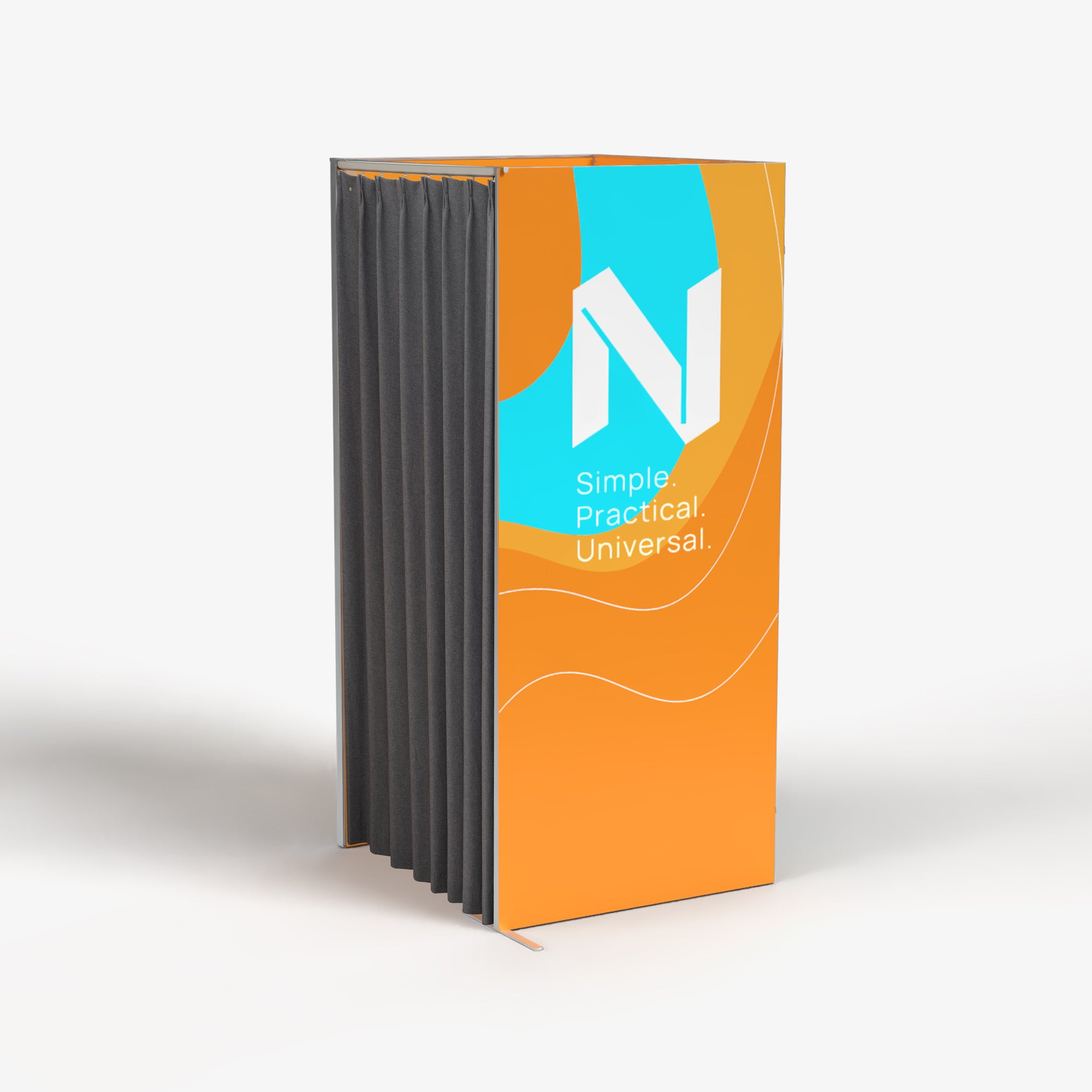
A closet kit creates enclosed storage within a compatible booth system. A bridge kit connects compatible booth sections and can help create a larger architectural presentation. Both must be matched to the correct frame system.
What should I check before ordering accessories?
Confirm the accessory model, frame compatibility, dimensions, weight capacity, screen size, electrical requirements, included parts, and transportation needs. Contact Nover Display before ordering if the compatibility of an accessory is unclear.